Subject to modification! Updated 10/2017
This might lead to overburdened
intervertebral discs, bruises and crushings.
Carry out the work described in this
chapter with 2 persons or suitable
equipment.
11.4.1 Opening the cabinet
Make sure that the On/Off button on the front of the housing is set to
"Off" (= not depressed).
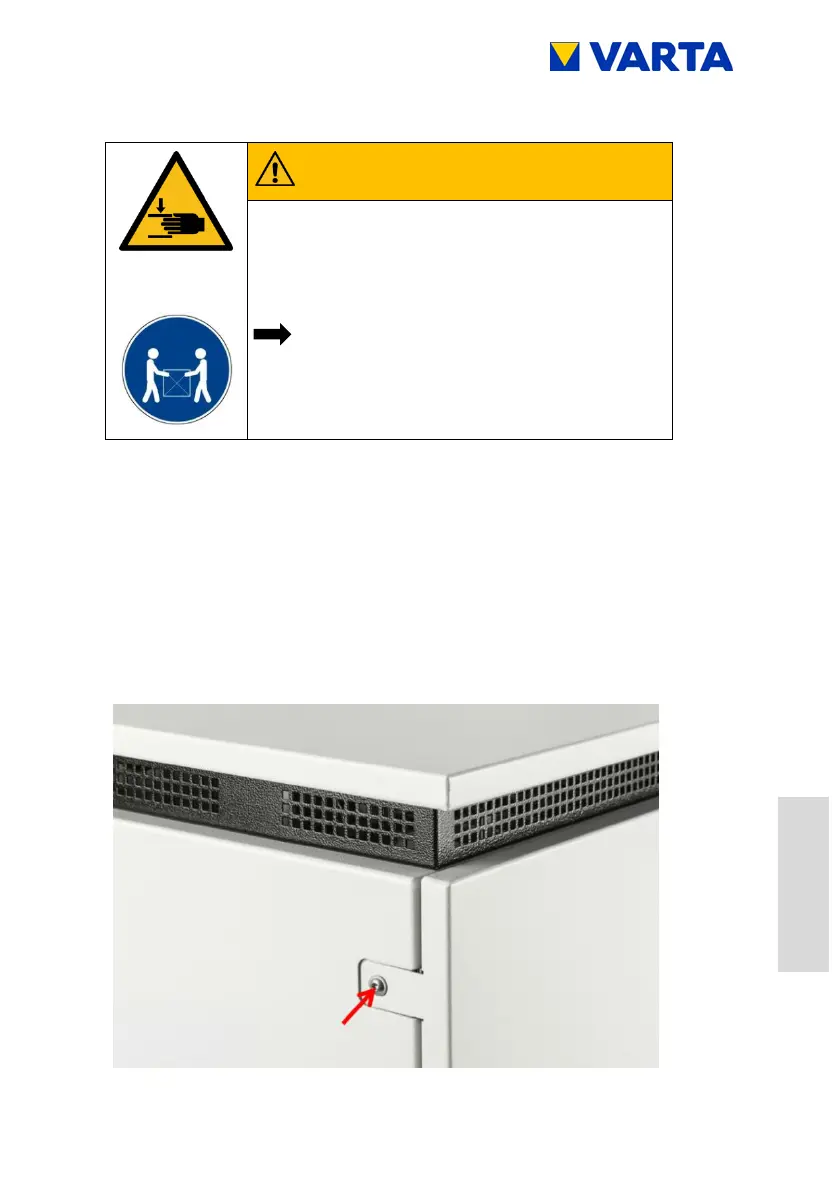
To open the door, remove the three screws on the left side of
the cabinet.
Aid: Torx 25 screwdriver
Figure 29: Opening the door



 To Next Page