9. Installing Software
Green 16/18 Installation Manual 121
9.5.1 Setting EzDent-i
Set the EzDent-i’s imaging acquisition options:
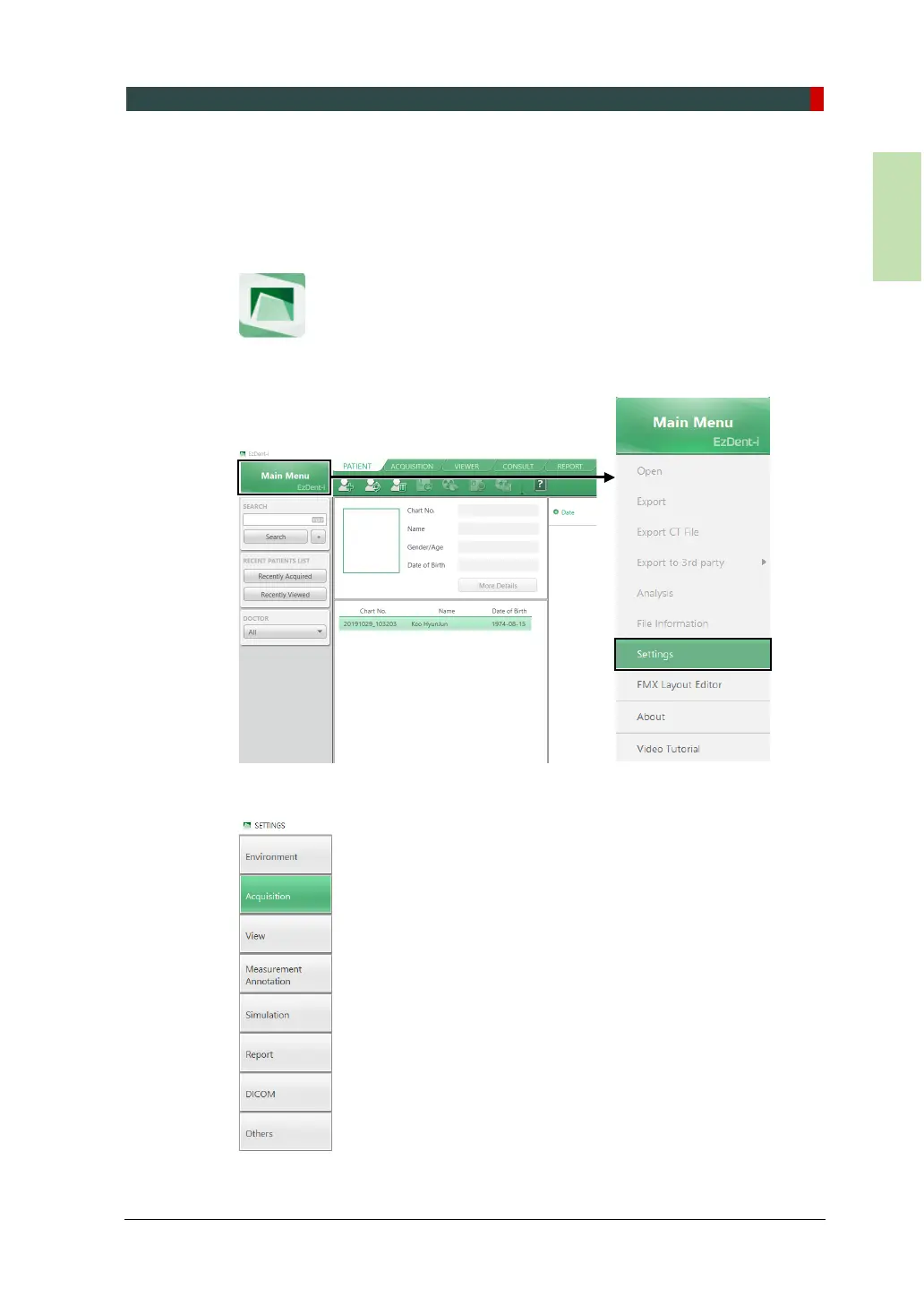
1. Start EzDent-i on your PC. When you start the program, the
2. Click Main Menu, then select Settings.
3. In setting widow, click Acquisition.














 To Next Page