9. Installing Software
122 Green 16/18 Installation Manual
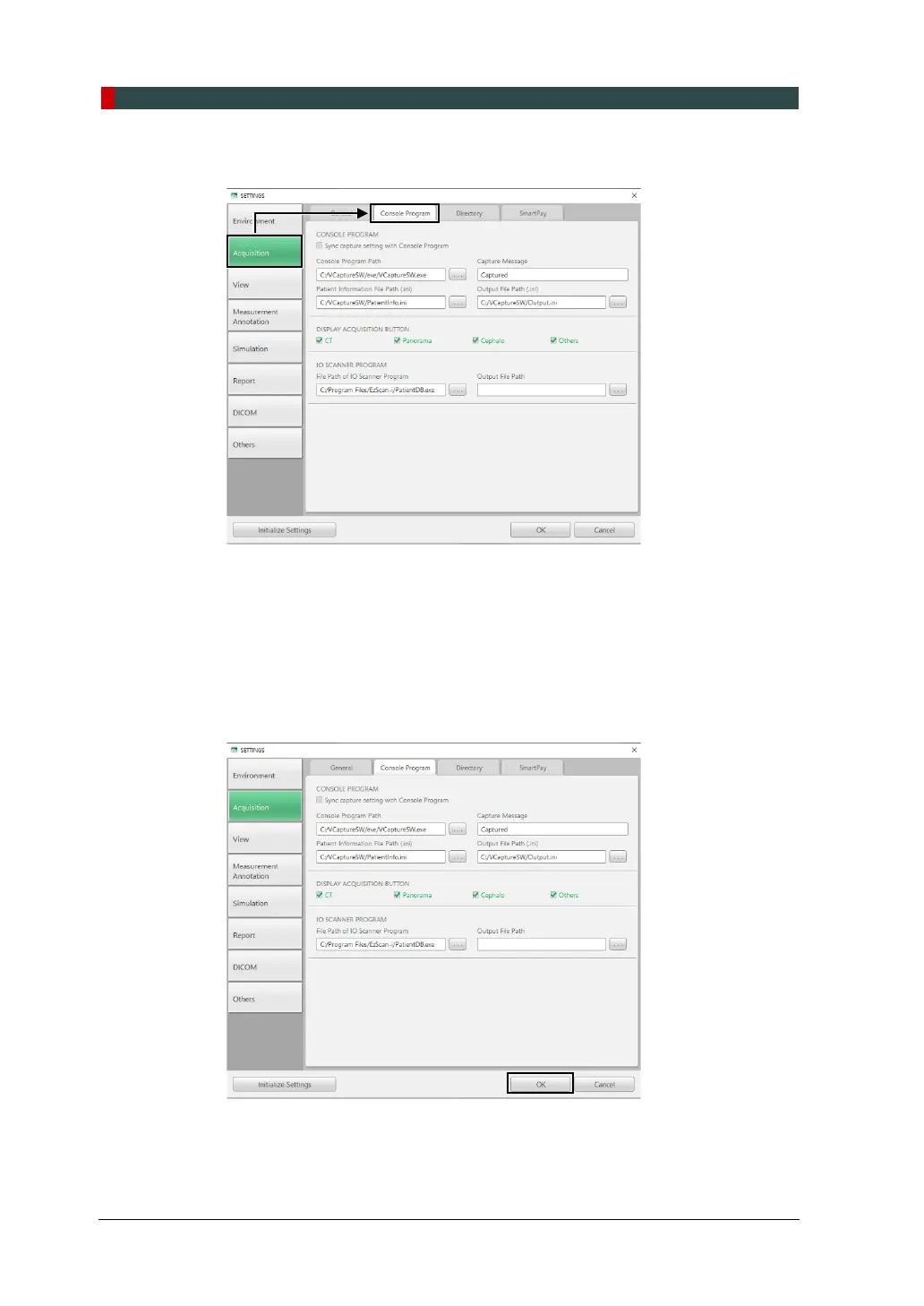
4. In the Acquisition tab, click Console Program.
In the Console Program tab, check:
whether “Sync capture setting with console program is selected
Console software path
Patient information fire path
Display acquisition button.
5. Click OK and restart the computer to apply the new setting.














 To Next Page