9. Installing Software
Green 16/18 Installation Manual 125
9.5.2 Configuring the Parameters
Before starting the equipment, ensure to configure the console software and the
equipment. Follow the steps below to set up your console software environment:
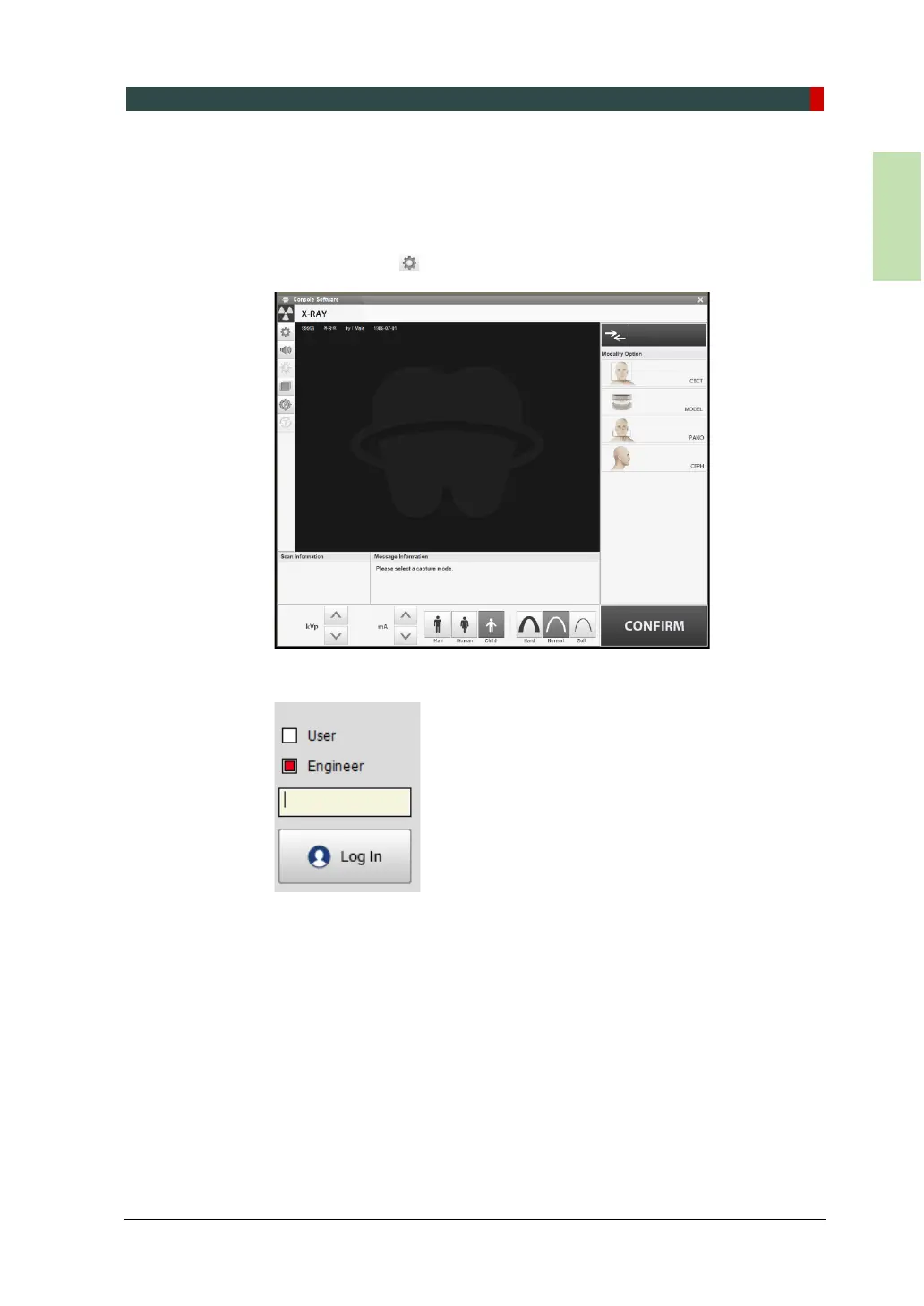
1. Click the Setting icon ( )from the main GUI window
2. Check Engineer and type the password (“vatech”).














 To Next Page