9. Installing Software
124 Green 16/18 Installation Manual
Initiating the Imaging Program
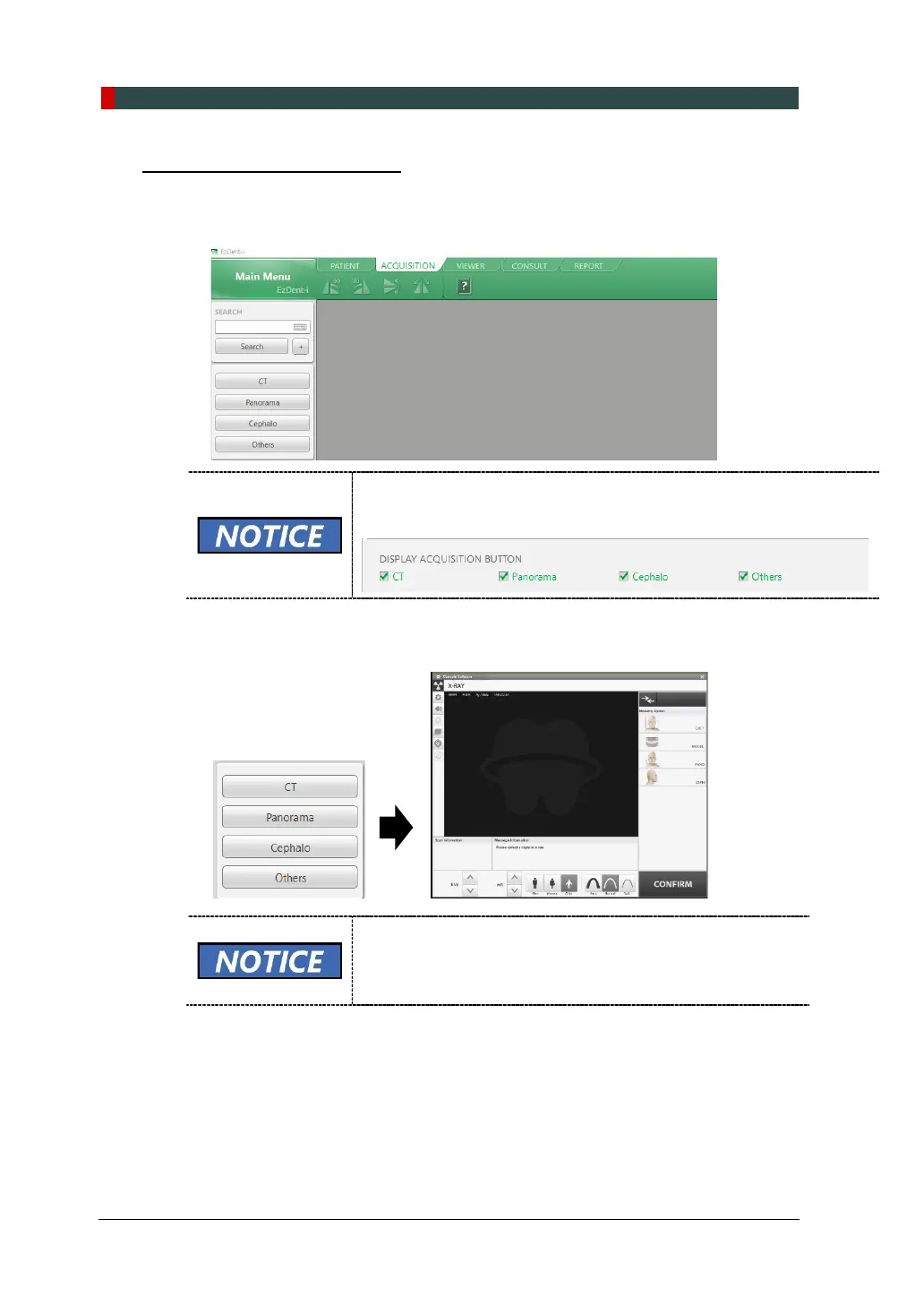
1. Click the ACQUISITION tab. The imaging mode selection menu will appear in the
left pane (see below).
The imaging mode selection menu may differ due to your equipment’s
option (CEPH or non-CEPH) or the Display option you selected in the
Settings (see below).
2. When you click an imaging mode, the main GUI for the selected mode appears
If the equipment is still in packing mode, the error code E033
appears. Go to 9.6 Disabling the Packing Mode to disable
packing mode
3. Go to 9.5.2 Configuring the parameters to set imaging variables for the
selected mode.














 To Next Page