9. Installing Software
108 Smart Plus (PHT-35LHS) Installation Manual
Installing the Frame Grabber (Virtual Serial)
<Inform Grabber>
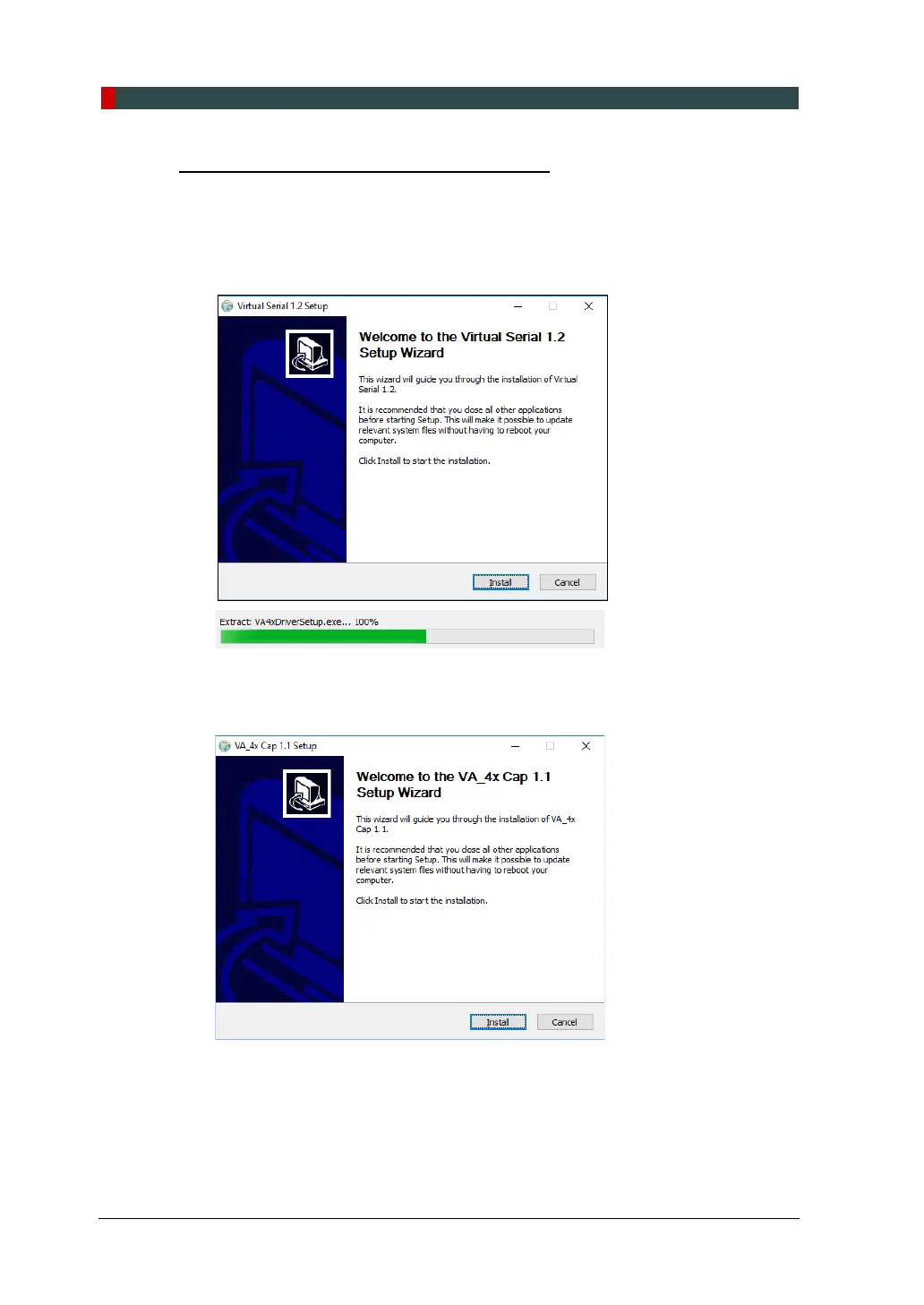
1. After completing the Direct X® installation, Virtual Serial installation will be
started. Click Install in the Welcome window.
2. During installation, VA_4x Cap 1.1 installation wizard will appear. Click Install to
start the installation.
3. If the Windows Security pop-up window appears, click Install.














 To Next Page