9. Installing Software
Smart Plus (PHT-35LHS) Installation Manual 109
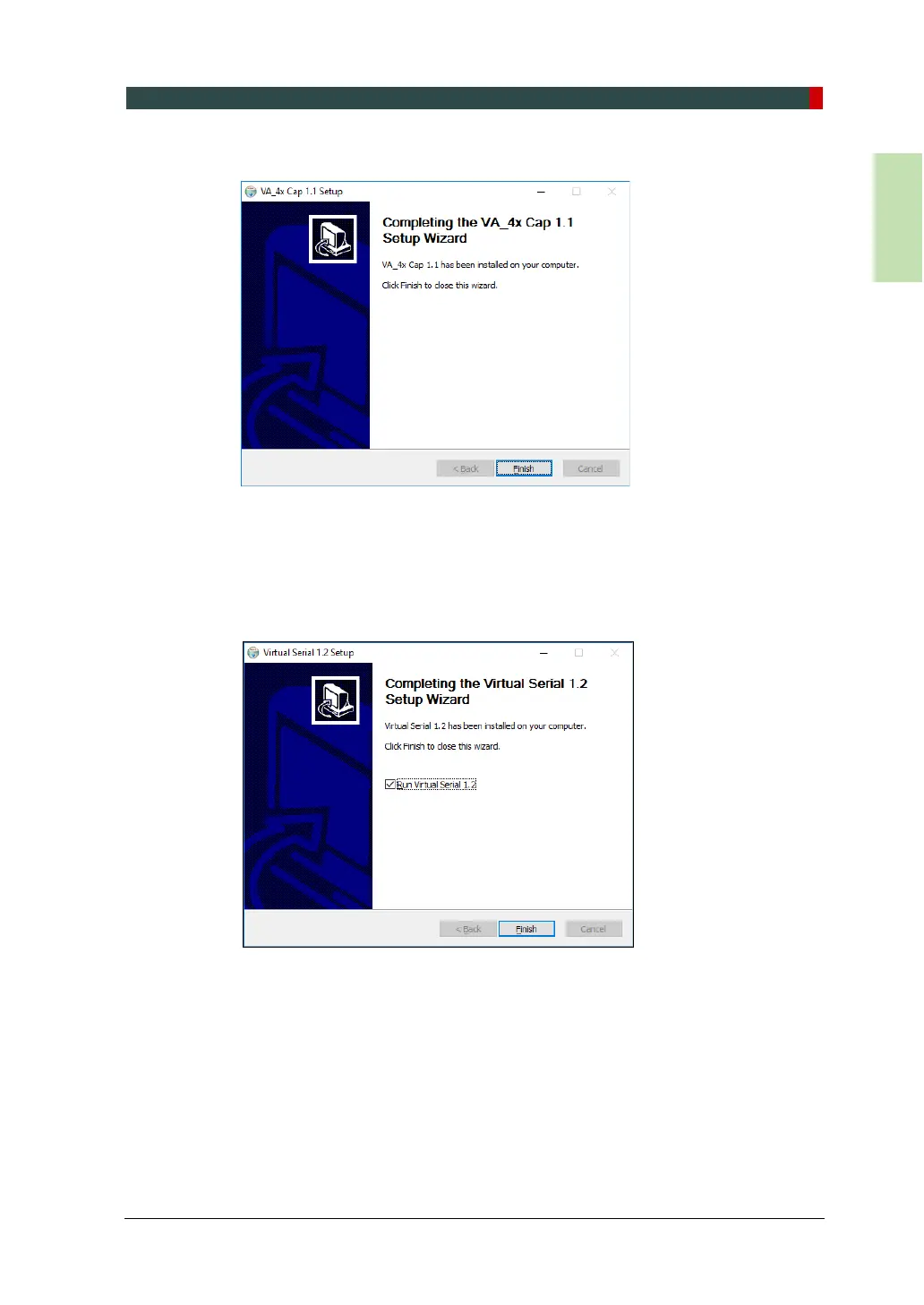
4. Click Finish to exit the wizard.
5. Microsoft Visual C++ 2010 x64 Redistributable installation or maintenance
window will appear. Select one of the options and click Next to continue the
process.
6. Click Finish to exit the Visual C++ 2010 x64 Redistributable installation or
maintenance wizard.
7. When the Virtual Serial installation is completed, click Finish to exit the wizard.














 To Next Page