9. Installing Software
Smart Plus (PHT-35LHS) Installation Manual 111
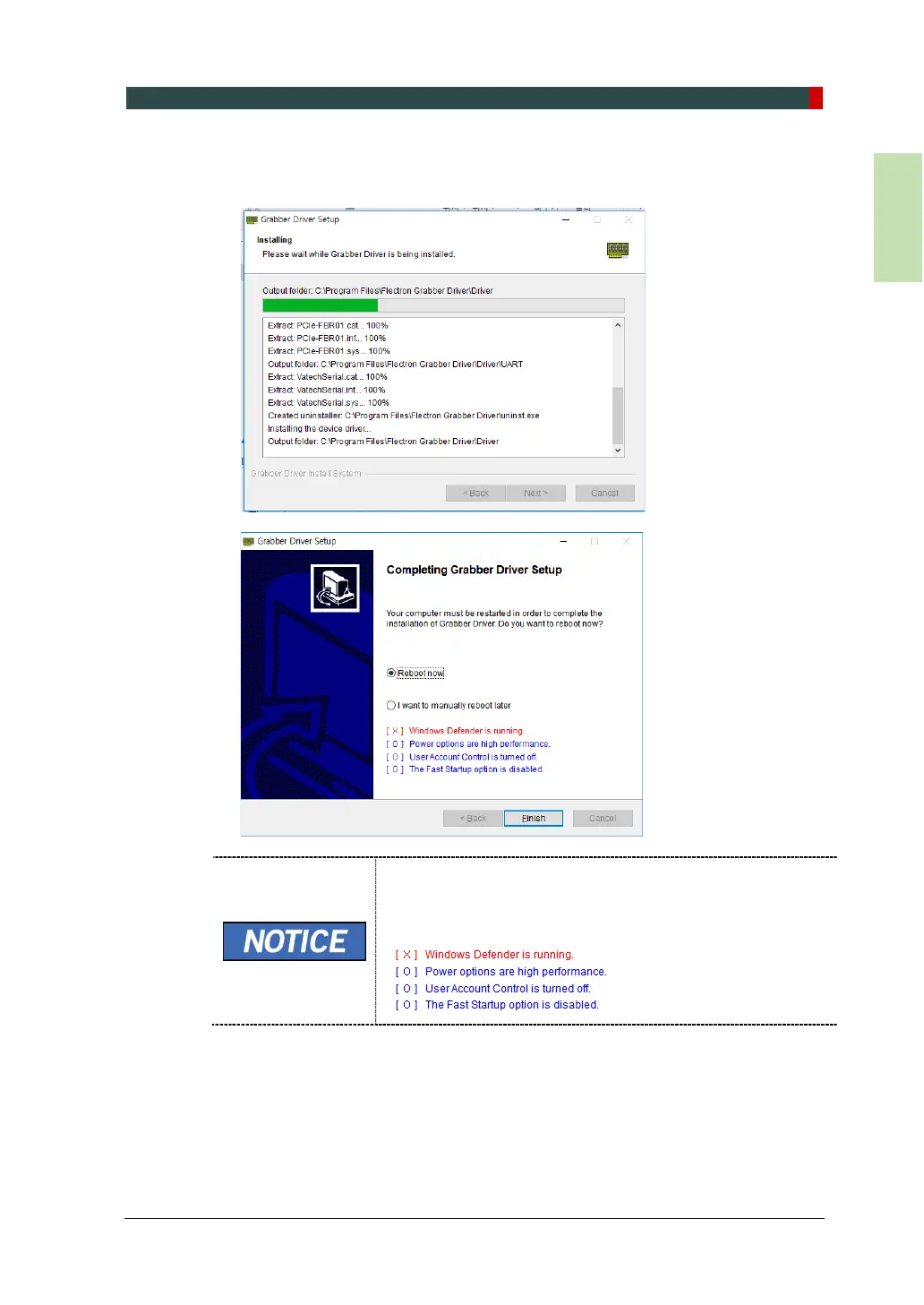
4. The "Installing" window will appear and disappear, and the Completing Grabber
Driver Setup window will appear. Choose the Reboot now or I want to reboot
later and click the button manually.
If an error occurs during installation, it will be displayed in red
font color below. If no abnormality is found, it is displayed in
blue font color.














 To Next Page