9. Installing Software
128 Smart Plus (PHT-35LHS) Installation Manual
Initiating the Imaging Program
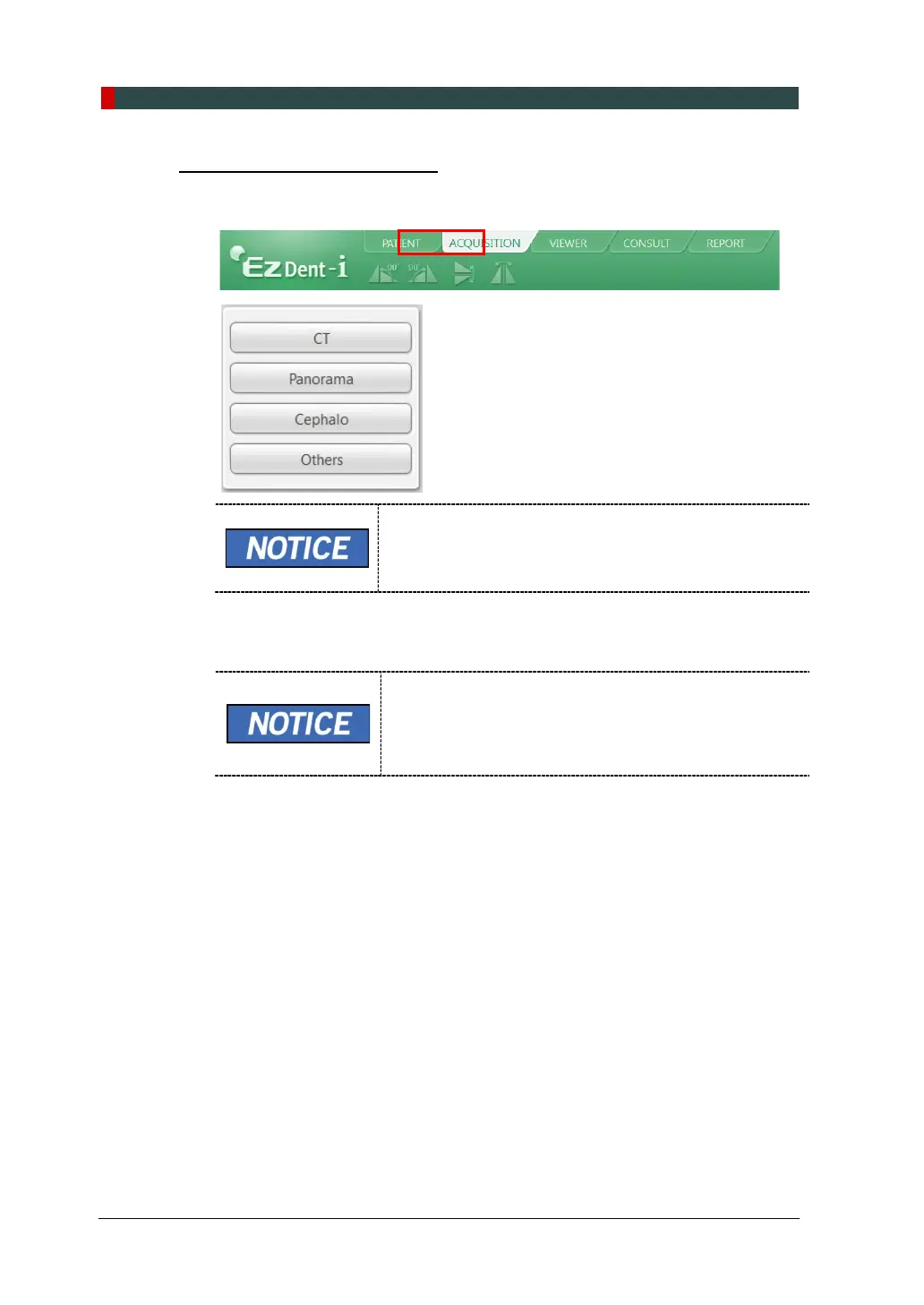
1. Click the ACQUISITION tab. The imaging mode selection buttons appear.
The imaging mode selection buttons in the left menu may
appear differently, depending on the equipment’s capacity
for acquiring images.
2. Select the imaging mode. Then, the main GUI in the selected imaging mode
appears.
The error code E033 indicates that the equipment is still
in packing mode. It should disappear after the command
for disabling the packing mode has been executed. For
details, refer to 'Disabling the Packing Mode' on page
136.
3. Proceed to the section 9.5.3 Configuring the Parameters.














 To Next Page