9. Installing Software
Smart Plus (PHT-35LHS) Installation Manual 135
Selecting an Announcement Mode: Music or Beep (Optional)
If selecting an announcement between music and beep is necessary, perform the
following procedures.
Command specifications:
Command format: [SPM_MPOP_XXXX]
XXXX Imaging Modes
Announcement
Division
0002
CT/PANO Beep Same for each mode
1. Send the command following the command specification, as specified in the table
above.
Here are some examples.
Default mode: 0002(beep) for each imaging mode.
< When the same Music Announcement is desired for CT and PANO imaging
modality >
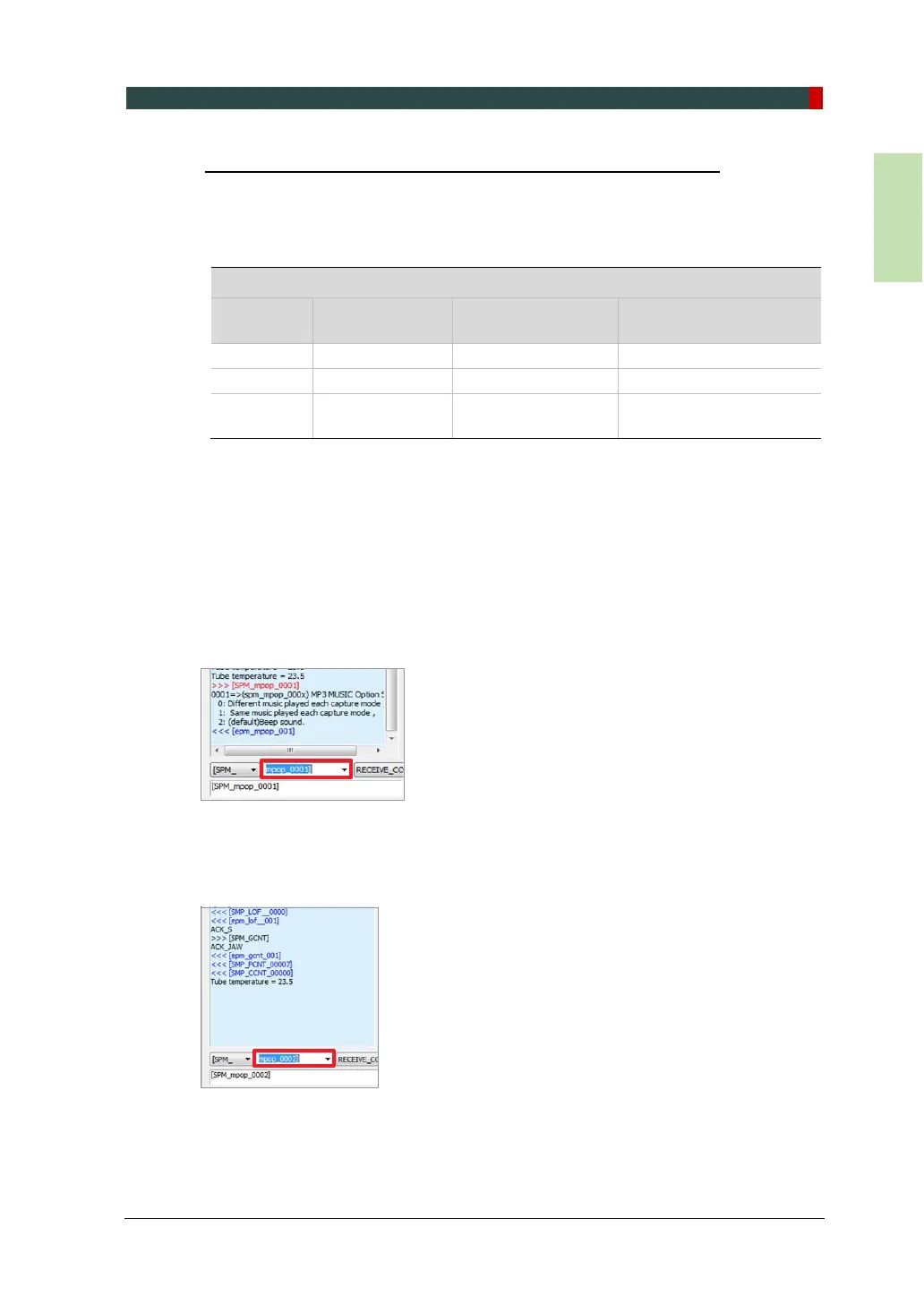
Enter the command [SPM_MPOP_0001] in the command field.
< When the same Beep Announcement is desired for CT and PANO imaging
modality >
Enter the command [SPM_MPOP_0002] in the command field.














 To Next Page