9. Installing Software
134 Smart Plus (PHT-35LHS) Installation Manual
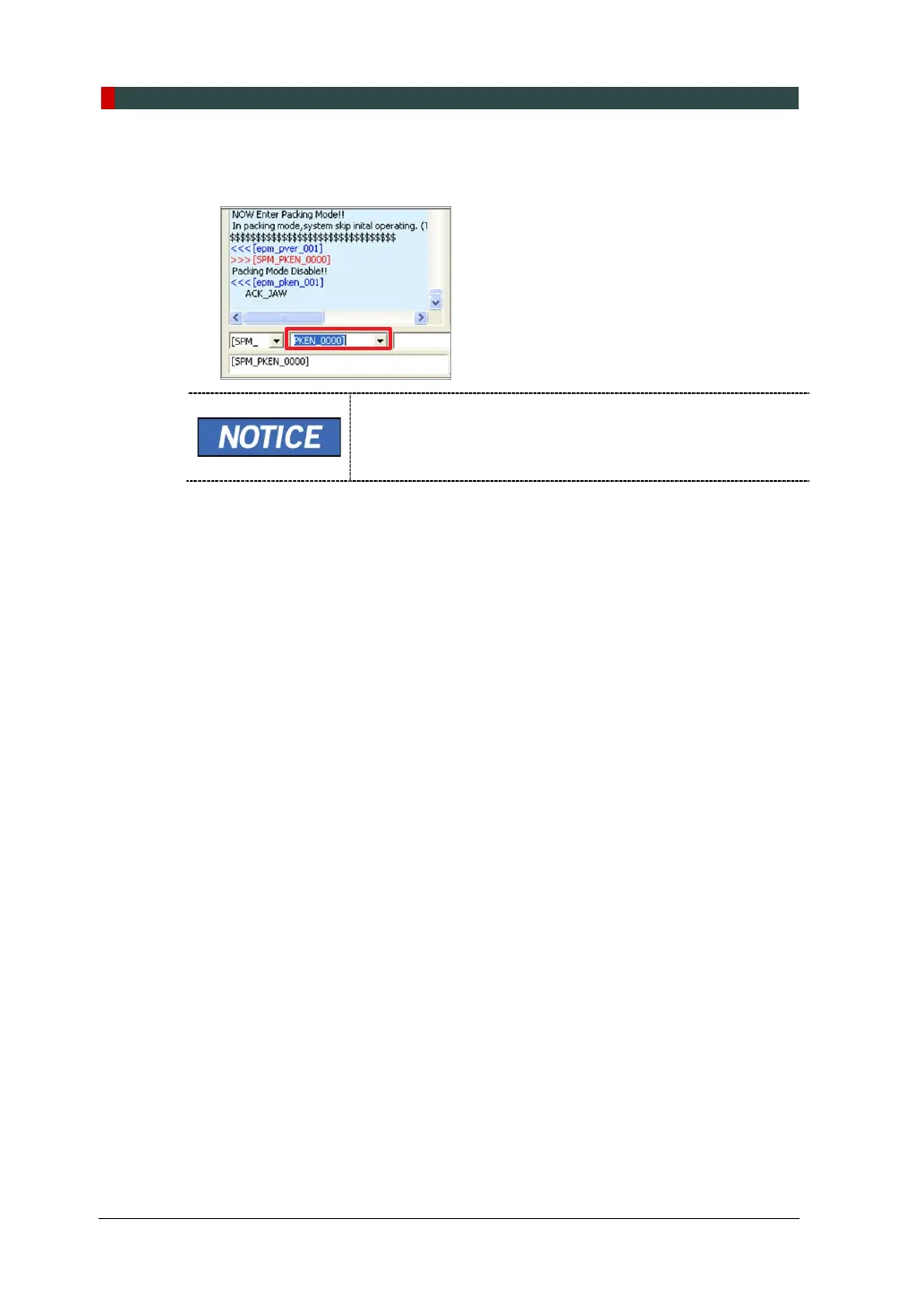
4. Enter the command PKEN_0000] to exit the packing mode. Now note that the
equipment is out of the packing mode.
Use the command PKEN_0001] to re-enter the packing
mode.
5. Click Exit and terminate the Control Panel.
6. (Important!) Exit the imaging program (main GUI).
7. Reboot the system for the changes to take effect.














 To Next Page