4. Installing the Equipment: Base Stand (Optional)
46 Smart Plus (PHT-35LHS) Installation Manual
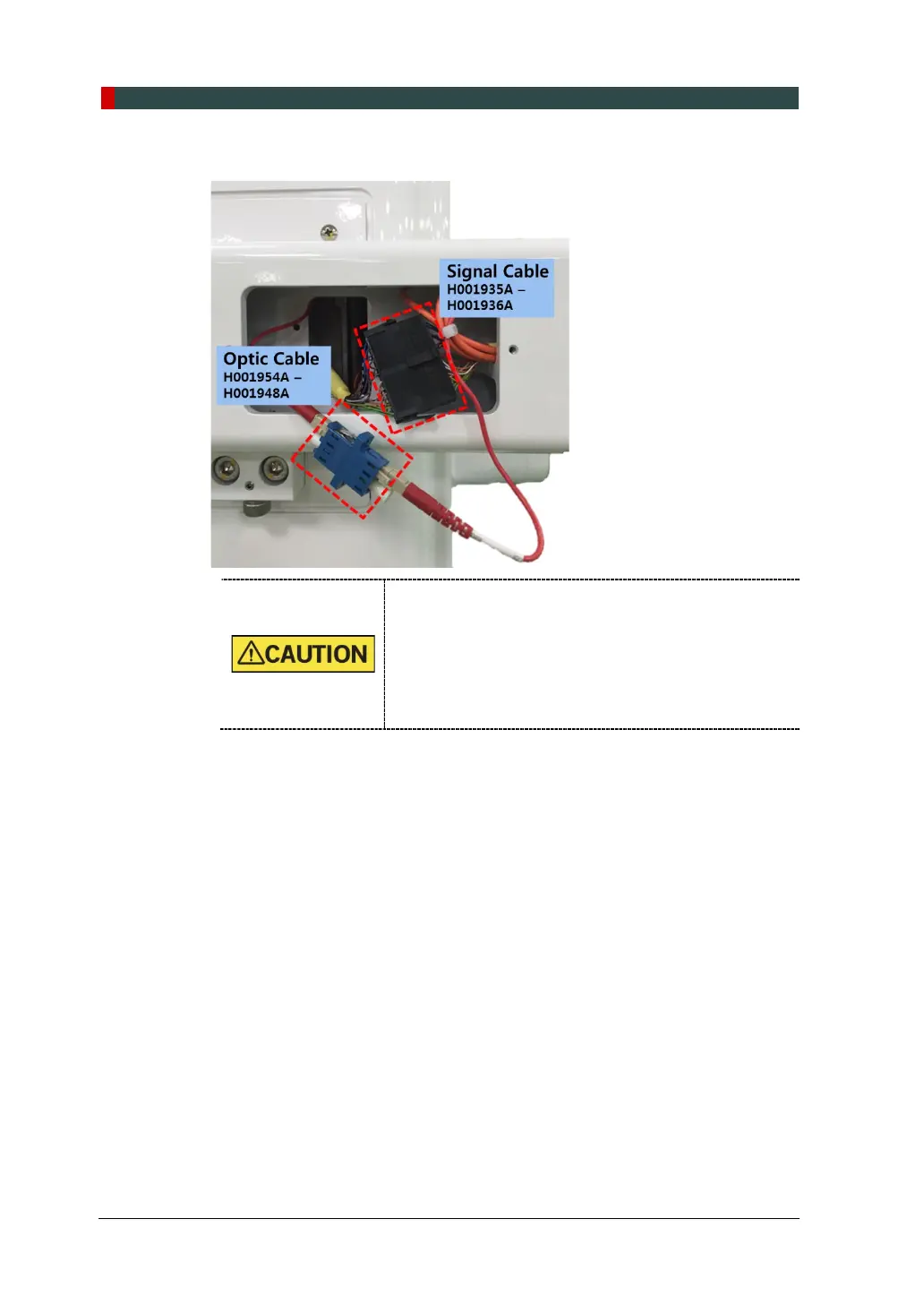
5. Connect the cables as shown in the figure.
When managing the fiber optic cable,
DO NOT bend, pull, or crush it.
Ensure that the caps of the fiber optic cable have
been removed.
DO NOT touch the tip of the fiber optic cable to
prevent it from being dirty.
Insert the fiber optic cable fully until the click














 To Next Page