8
Controls and Connections (Cont.)
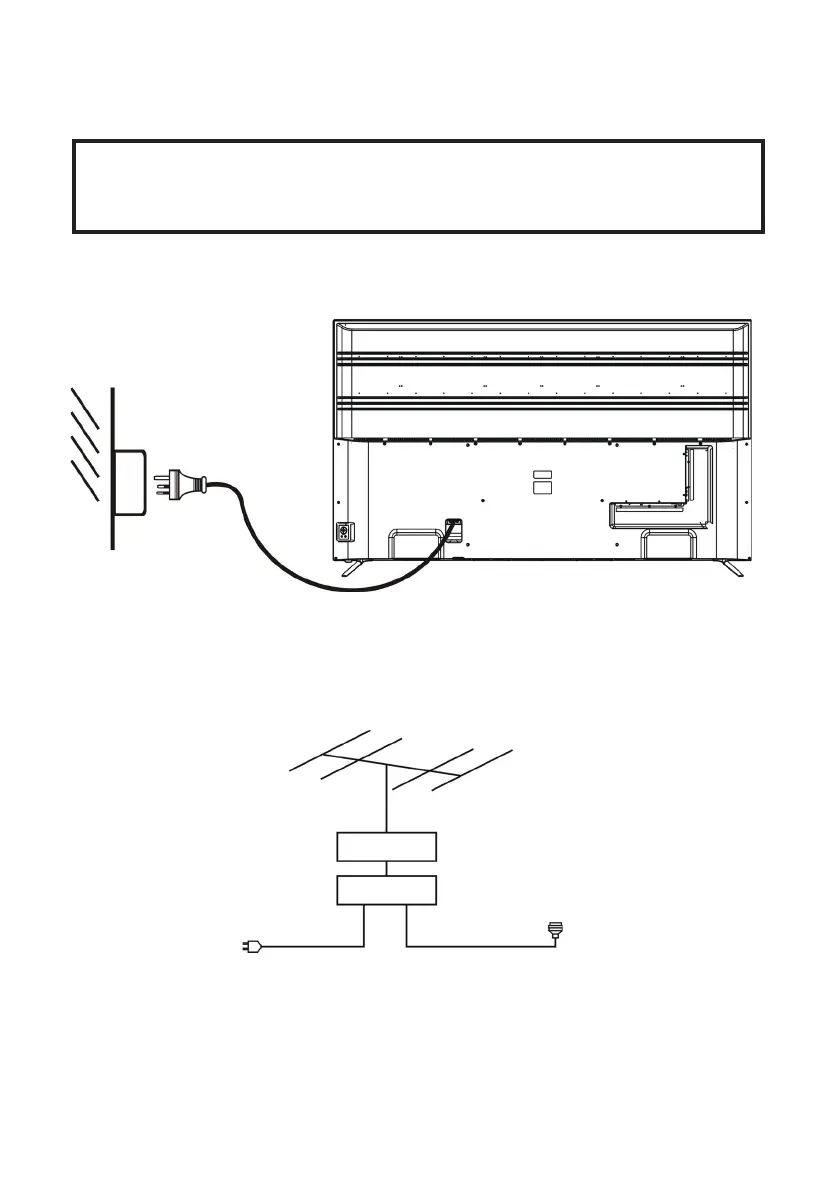
Connecting to an AC Power Source
IMPORTANT!
Read through the instructions before connecting
the TV to other equipment.
Connecting an External Antenna
For the best picture quality, we recommend connecting the TV set to an
external antenna.
75Ω antenna
plug goes into
the antenna
port in the
back of your
TV
Indoor
antenna
amplifier
Outdoor
antenna
amplifier
Power plug
of antenna
amplifier
Antenna
NOTE: At this stage, TV programming in New Zealand is not available in
Ultra HD. Therefore, the result of up-scaling and displaying HD broadcast
signals on a Ultra HD TV can be soft images, which don’t have the detail or
smoothness you see when watching the same content on an HD TV.
To Power Outlet
Main Unit



 To Next Page