33
Menus (Cont.)
Schedule List
Shows the list of programs scheduled to be recorded. (For instructions on
how to schedule a recording, please see ‘Scheduled Recording’ section on
page 19.)
• Press the BLUE button repeatedly to sort the scheduled list by
scheduled time or Channel name.
• Press the RED button to delete the scheduled recording.
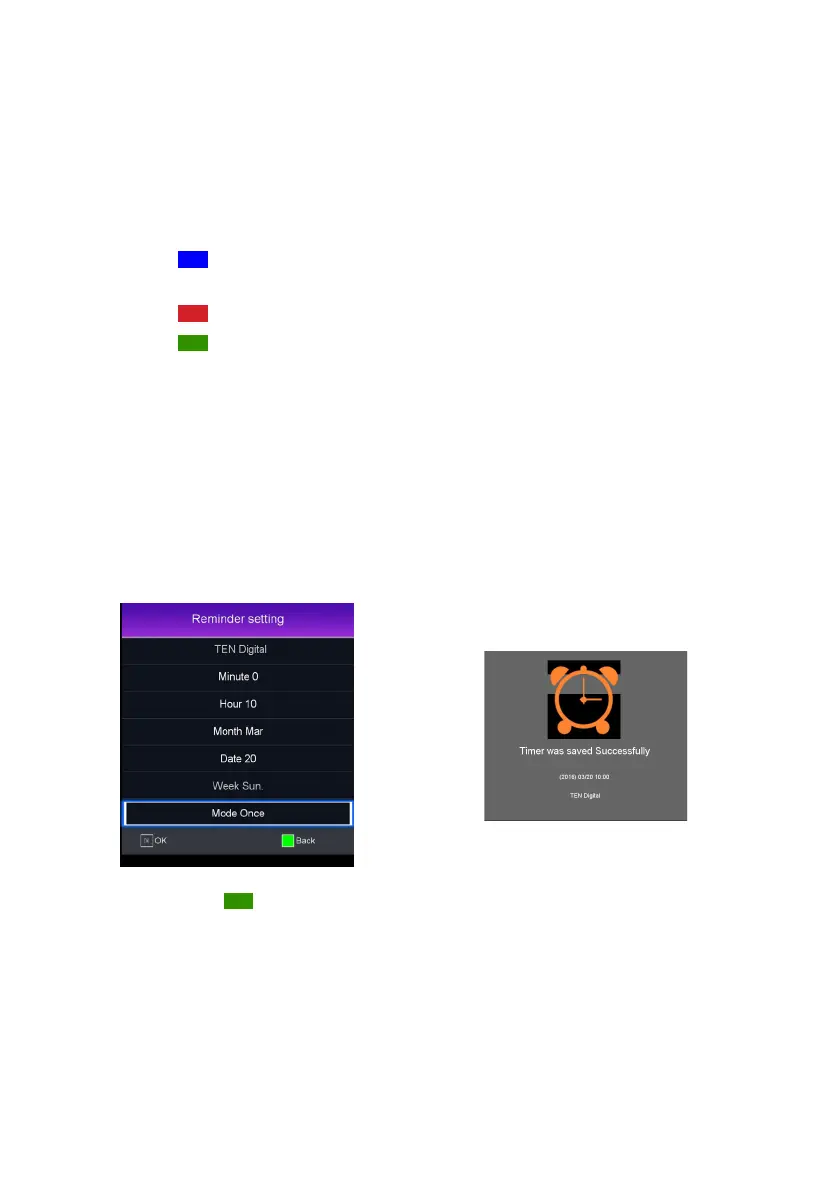
• Press the GREEN button to modify the scheduled recording.
• Press the up / down to select Minute / Hour / Month / Date / Mode
settings and press the left / right buttons to adjust their setting values.
Then press OK to confirm the new schedule.
• Or, press the GREEN button again to go back to Schedule List.



 To Next Page