16
Basic Operations
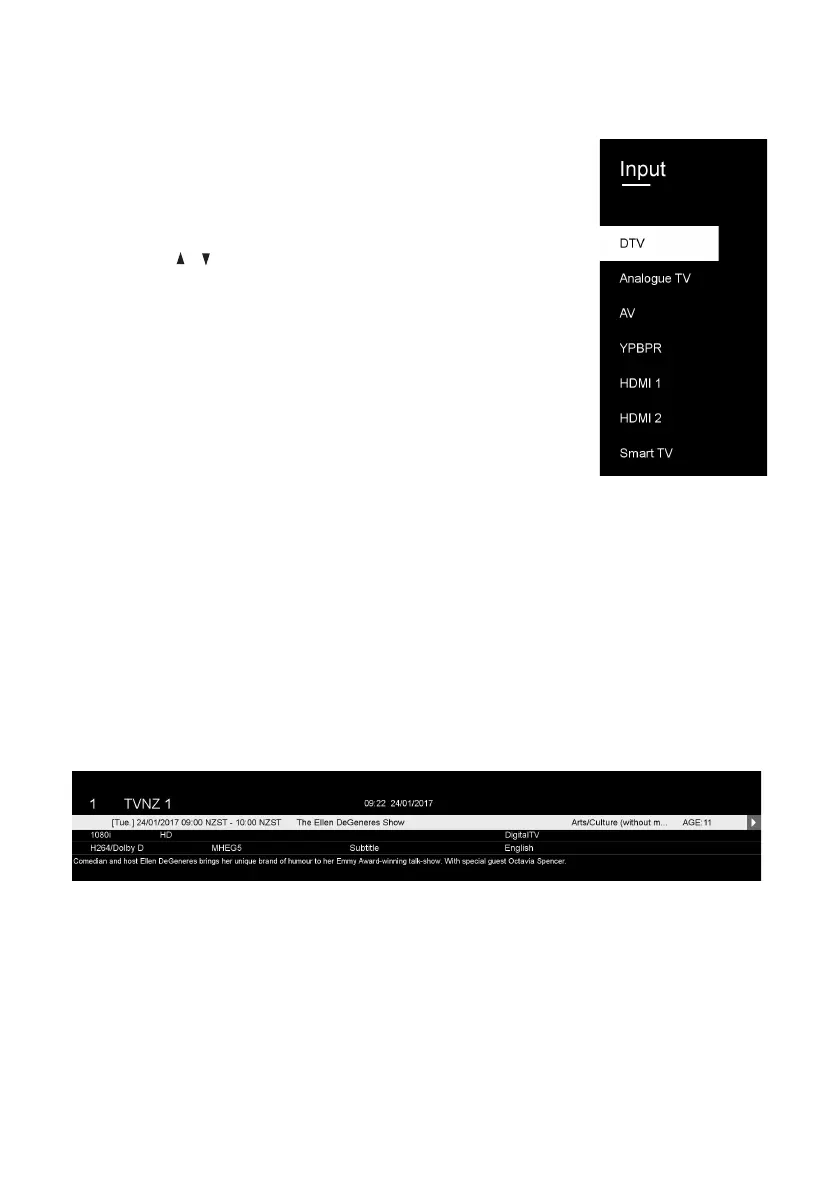
Selecting an Input Source
• Press the SOURCE button at the lower-right side of the
back panel, or on the remote control, to display the input
source list.
• Press the / buttons to select the desired input source,
and then press OK to confirm your selection from the
following options: DTV, Analogue TV, AV, YPbPr, HDMI1,
HDMI2, Smart TV.
NOTE: When you switch on this TV for the first time, you
need to go through the first time installation and
auto-search for all the DTV programs in your area.
Channel Selection
• Press the CH +/- button to select the next/previous
channel.
• Alternatively, press the number buttons to select a channel directly.
Volume Control
• Press the VOL +/- button to adjust the volume level.
• Press the MUTE button to mute the sound, press it again to restore sound.
Information Display
• Press the INFO button to display information about the current program.



 To Next Page