26
Menus
This TV set contains different settings menus where you can program your
preferred settings. Once you have programmed any settings, the unit will
retain them in its memory until you change them, even when switching the
unit to standby mode. This means you can always operate the system under
the same conditions.
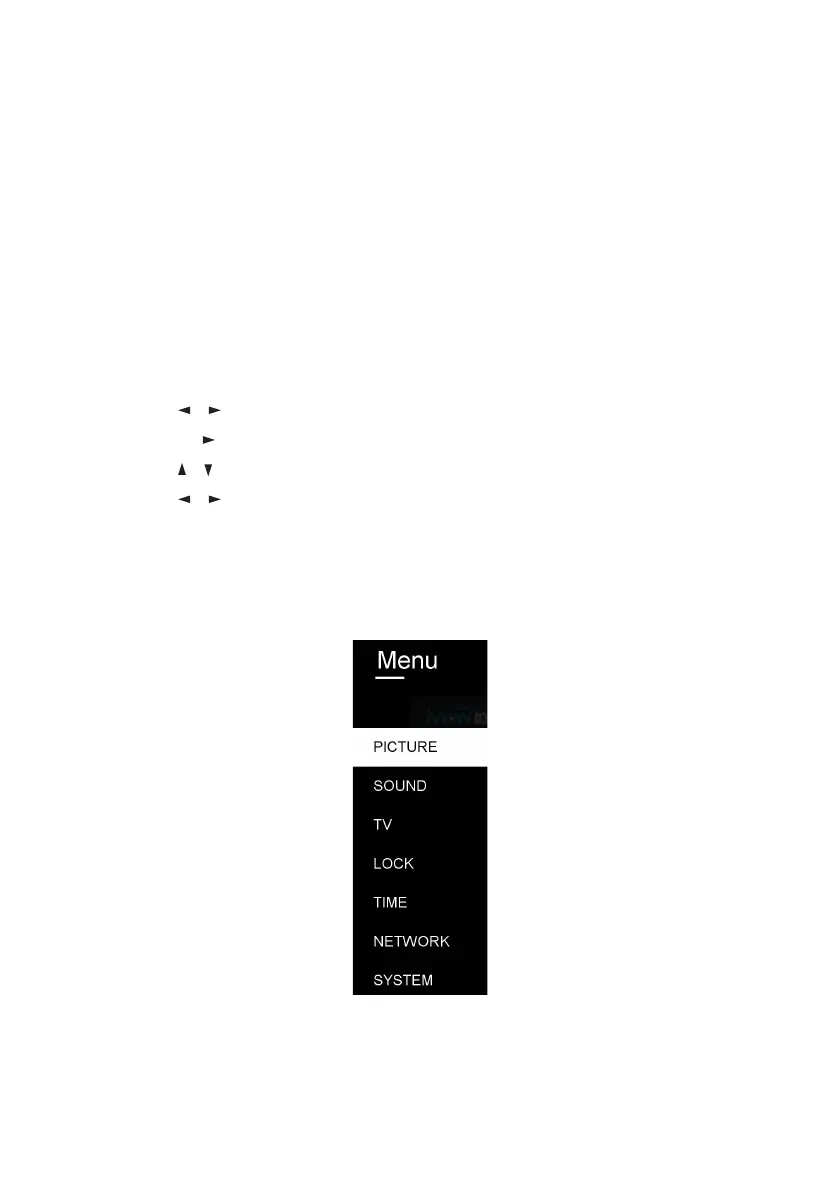
Menu Navigation
• Press the MENU button on the back panel, or on the remote control, to
display the main menu.
• Press the / buttons to select different sub-menus.
• Press OK or to enter the sub-menu page.
• Press the / buttons to select the preferred option.
• Press the / buttons to adjust the value.
• Press the MENU button to return to the previous menu page.
• Press the EXIT button to exit the menu page.



 To Next Page