34
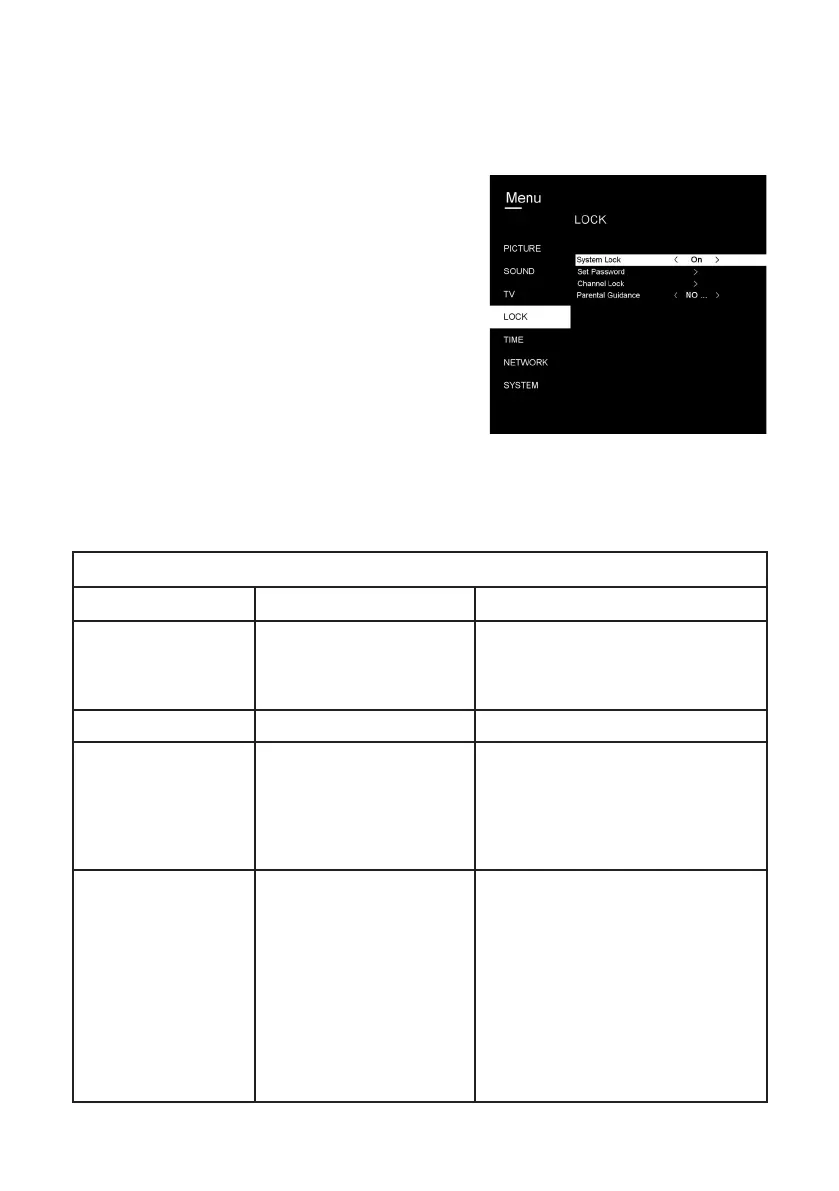
Lock Menu
Menus (Cont.)
• To access the Lock menu, press the MENU
button, select Lock and then press OK.
• Input the factory default password “0000” using
the number buttons on the remote control.
• NOTE: If you foget the password, use the
master password “4711”.
LOCK
ITEM SETTING OPTIONS EXPLANATION
System Lock
Off/On System lock On/Off
Default password is 0000.
Master password is 4711.
Set Password
Set personal password.
Channel Lock
Press the green button, the lock
icon will appear on the selected
channel, and the channel is
locked. Press the green button
again to unlock.
Parental Guidance
No block
Block G and above /
Block PG and above /
Block M and above /
Block MA and above /
Block AV and above /
Block R and above /
Block all
Set parental guidance.



 To Next Page