31
Menus (Cont.)
Press the OK button to enter. Press the / buttons to select the channel.
Press OK to start scanning.
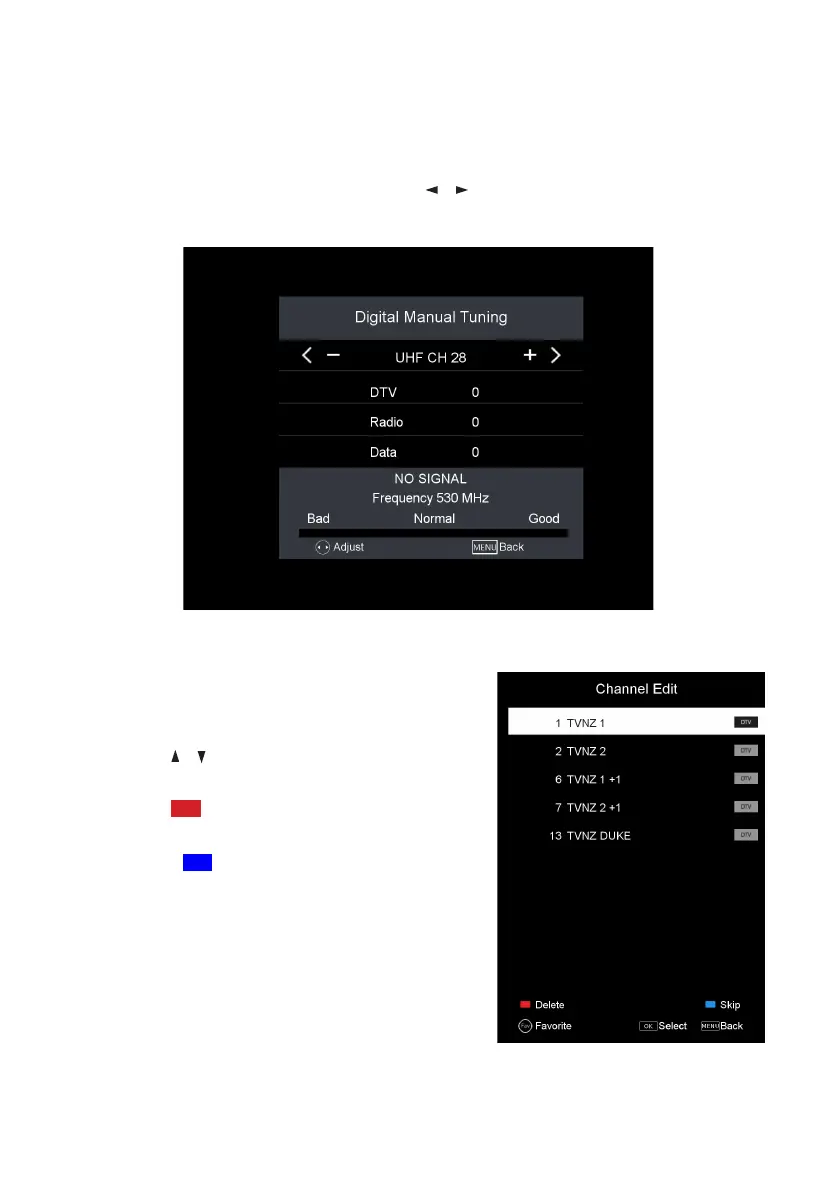
DTV Manual Tuning
Press the OK button to enter.
• Press the / buttons to highlight the
desired channel.
• Press the RED button to delete a
channel from the channel list and EPG.
• Press the BLUE button to skip a
channel when using CH +/- buttons.
• Press the FAV button to add a channel
to your Favourites List; press the FAV
button again to remove the channel from
the Favourites List.
Channel edit



 To Next Page