36
Menus (Cont.)
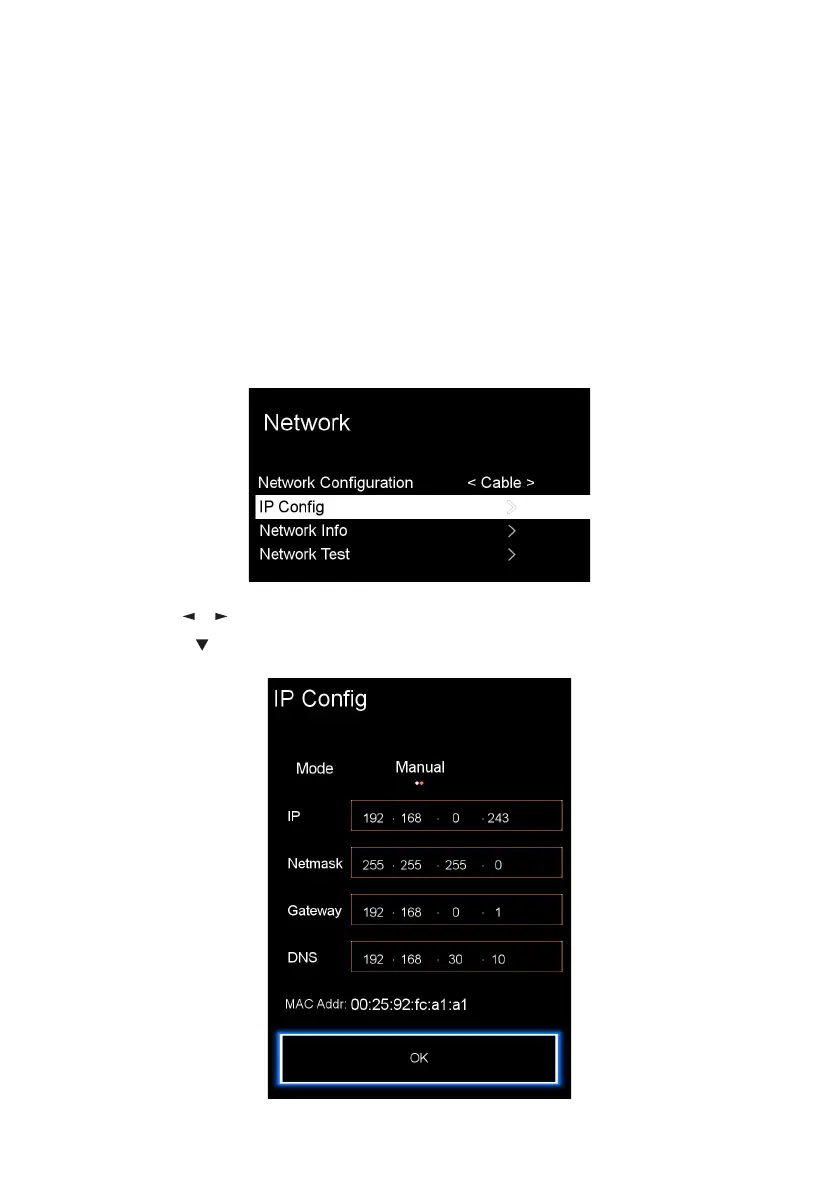
Wired Connection
For a Wired network connection, make sure to connect the TV to your Internet
router using an RJ45 Ethernet cable before starting the setup process.
• Press the / buttons and select “Wired” network type.
• Then press to highlight “IP Config”, next press OK and the bellow screen
will appear.
For a stable internet connection, it is recommended that you use a wired
connection or place the wireless router close to the TV.
Network Settings
Wired



 To Next Page