15
Getting Started (Cont.)
Step Four:
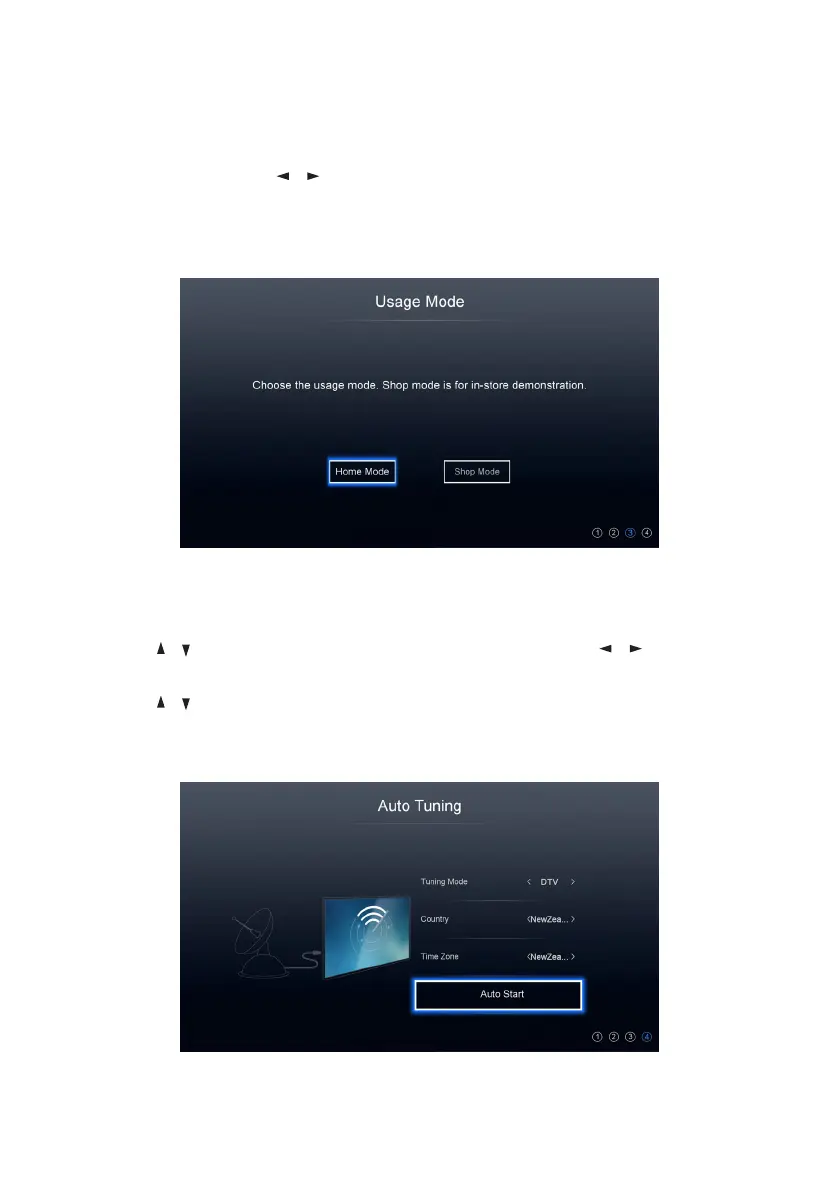
Auto Tuning:
• Use the / buttons to edit the Time Zone and then press / buttons to
select your time zone.
• Use the / buttons to select ‘Auto Start’ and press the OK button to begin
scanning for TV stations. To exit channel tuning, press the EXIT button. When
auto searching is complete, your TV will show the first channel found.
Step Three:
Usage Mode: Use the / buttons to select the usage mode of your new TV
and then press the OK button button to go to the next step. Press the MENU
button to go to the previous step.



 To Next Page