47
Smart TV (Cont.)
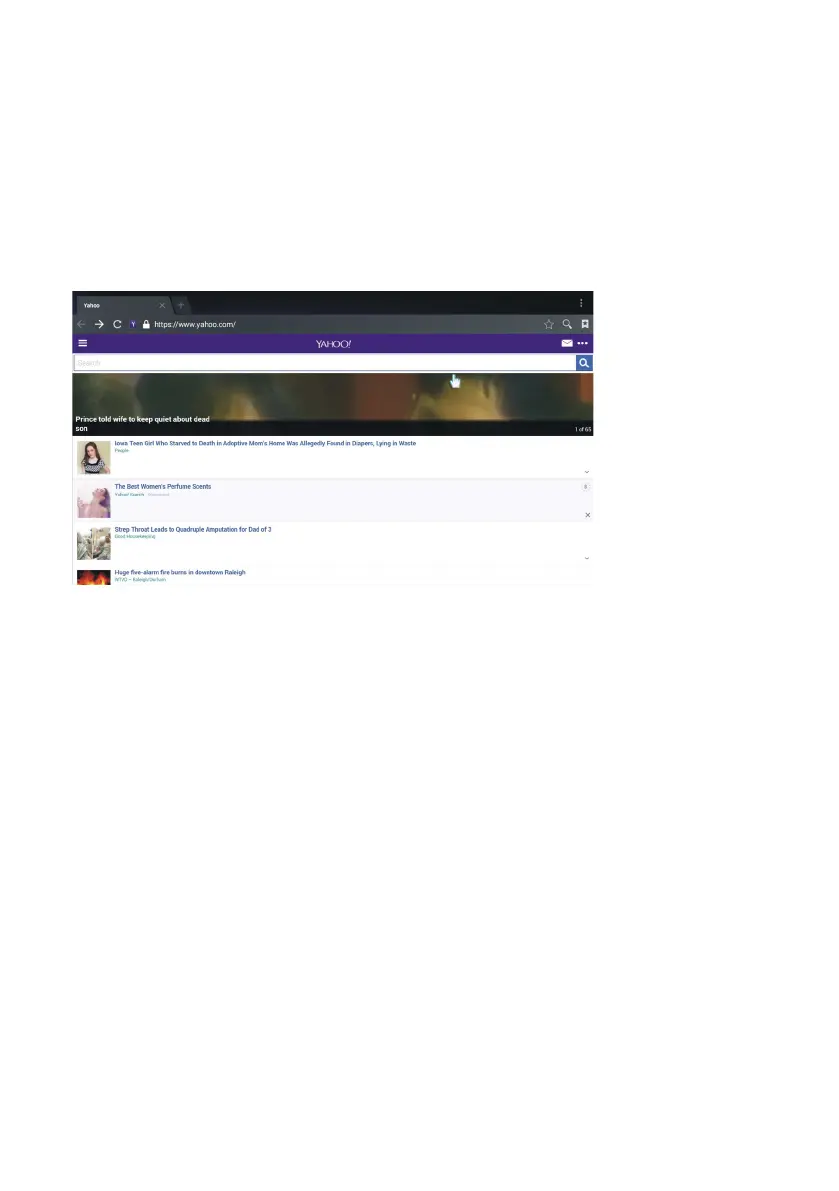
2. Browser
• Use the navigation buttons to highlight (Browser) on the HOME page and
press the OK button to open it.
• Use the navigation buttons to move the cursor to the URL input field.
• Press the OK button to open the on-screen keyboard.
• To type in the desired URL or search words, use the navigation buttons to
select characters from the on-screen keyboard. Press the OK button to
confirm your entry.
• When your URL entry is complete, select “Go” on the browser screen and
press OK to load the webpage.



 To Next Page