24
Media Mode (Cont.)
Music
• Press the / buttons to select Music in the main menu, then press OK to
enter it. Music files can only be played in this menu category.
• Use the / / / buttons to navigate to the desired folder or file, then
press OK to select and press the OK button for playback.
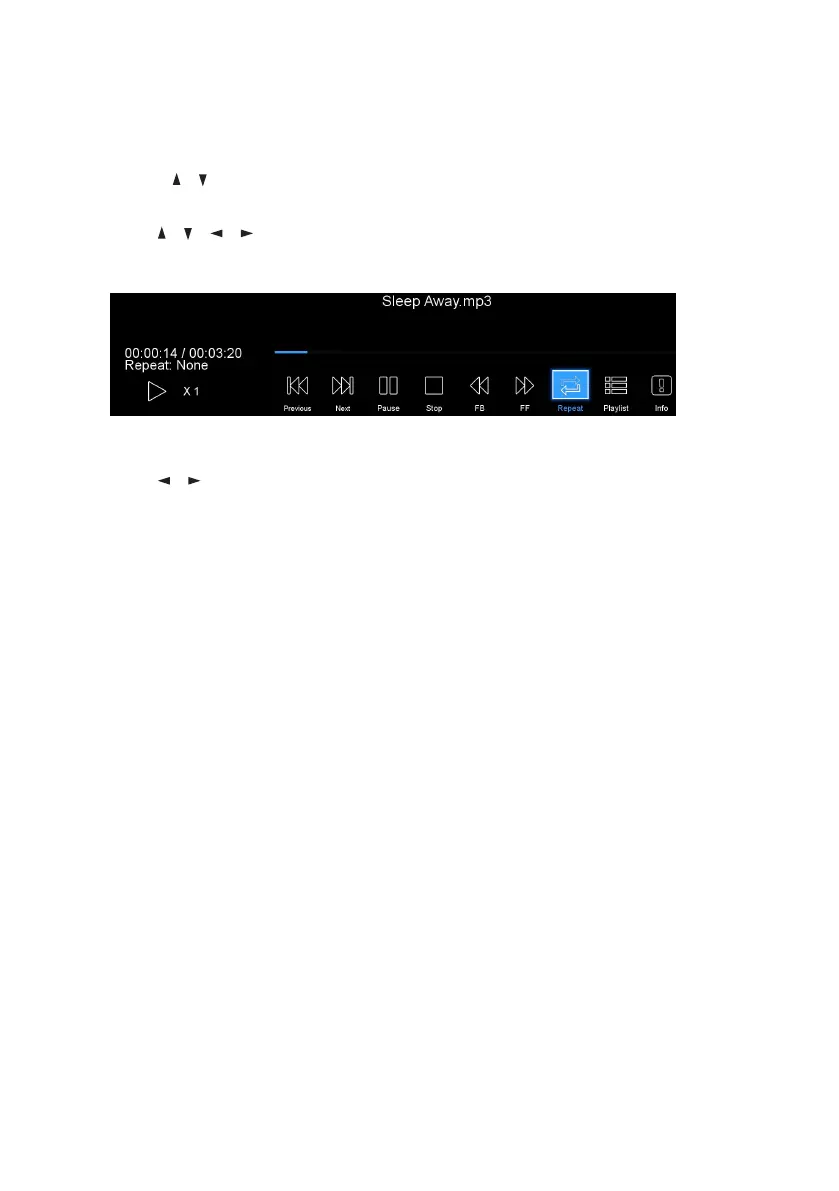
When Playing Music Files:
• Use the / buttons, then press OK to select your desired function. The
functions available are: Previous, Next, Rewind, Fast Forward, Pause, Stop,
Repeat, Playlist and Info.



 To Next Page