40
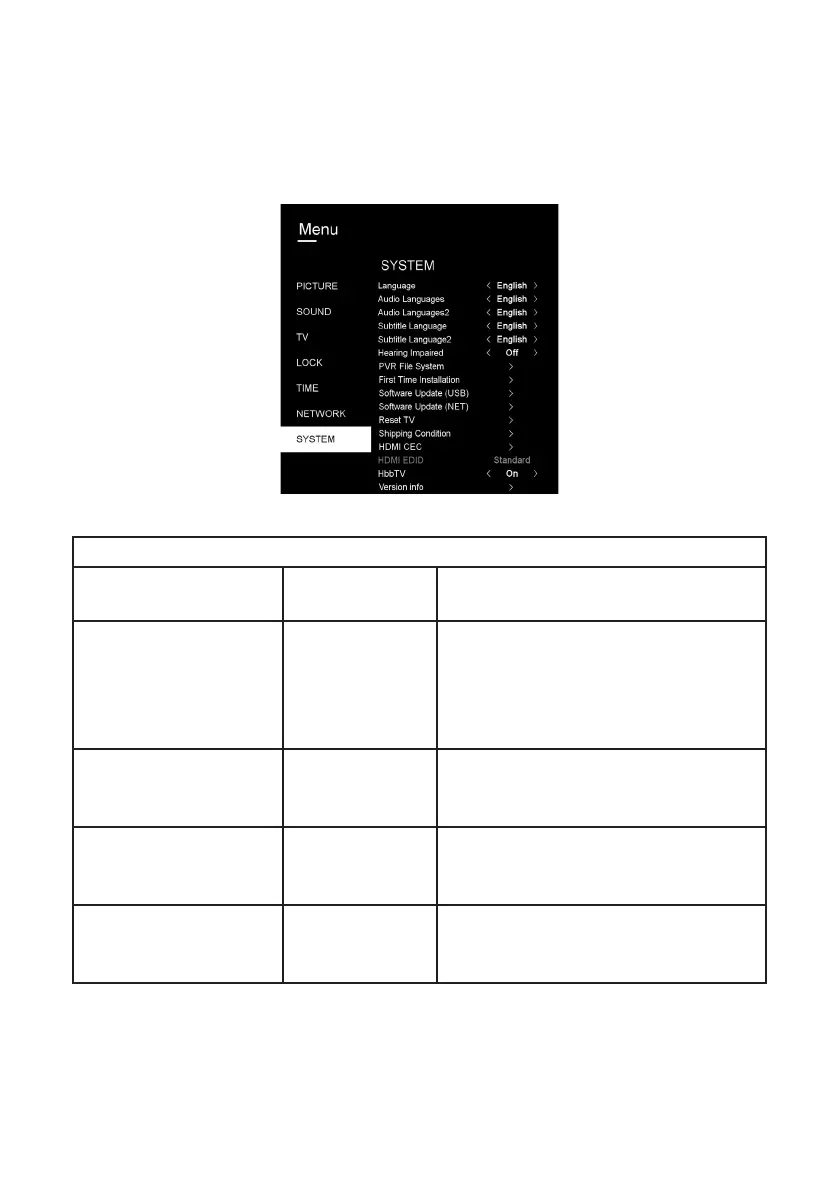
System
Menus (Cont.)
SYSTEM
ITEM
SETTING
OPTIONS
EXPLANATION
Language
English,
Spanish,
Italian, Dutch,
Portuguese
Select the On Screen Display (OSD)
language.
Audio languages
Multiple
languages
Select the primary audio language
(only available in DTV mode and must
be supported by viewing program).
Audio Languages 2
Multiple
languages
Select the secondary audio language
(only available in DTV mode and must
be supported by viewing program).
Subtitle Languages
Multiple
languages
Select the primary subtitle language
(only available in DTV mode and must
be supported by viewing program).



 To Next Page