39
• Press the up/down buttons to select your home WAP, and press OK.
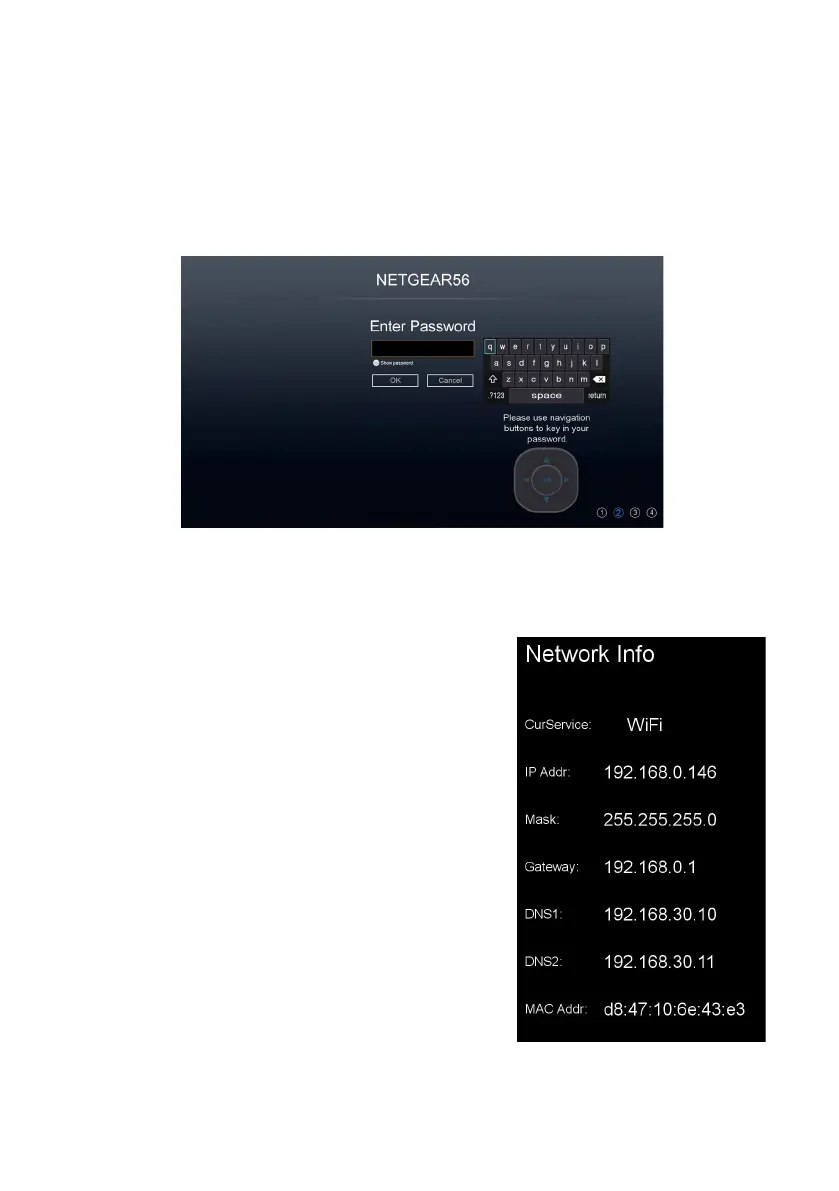
• If the WAP has a security password, enter the password using the remote
control or the on-screen keypad, and then press OK.
• If the connection is successful, the
‘Connected’ message will appear. Press the
OK button to exit.
• If the connection is unsuccessful, the
‘Connection Failed’ message will appear.
Check the security password of your WAP
and its security protocol settings and try
again.
• Press the MENU button to go back to the
main Network settings page.
• Network Info: View network information
• Network Test: Check the Internet connectivity
status
• Wi-Fi Status Displays the name of the
Wireless Access Point
Menus (Cont.)
i



 To Next Page