25
Media Mode (Cont.)
Movie
• Press the / buttons to select Movie in the menu, then press OK to enter.
Movie files can only be played in this menu category.
• Use the / / / buttons to navigate to the folder or file, then press OK
to select and press the OK button for playback.
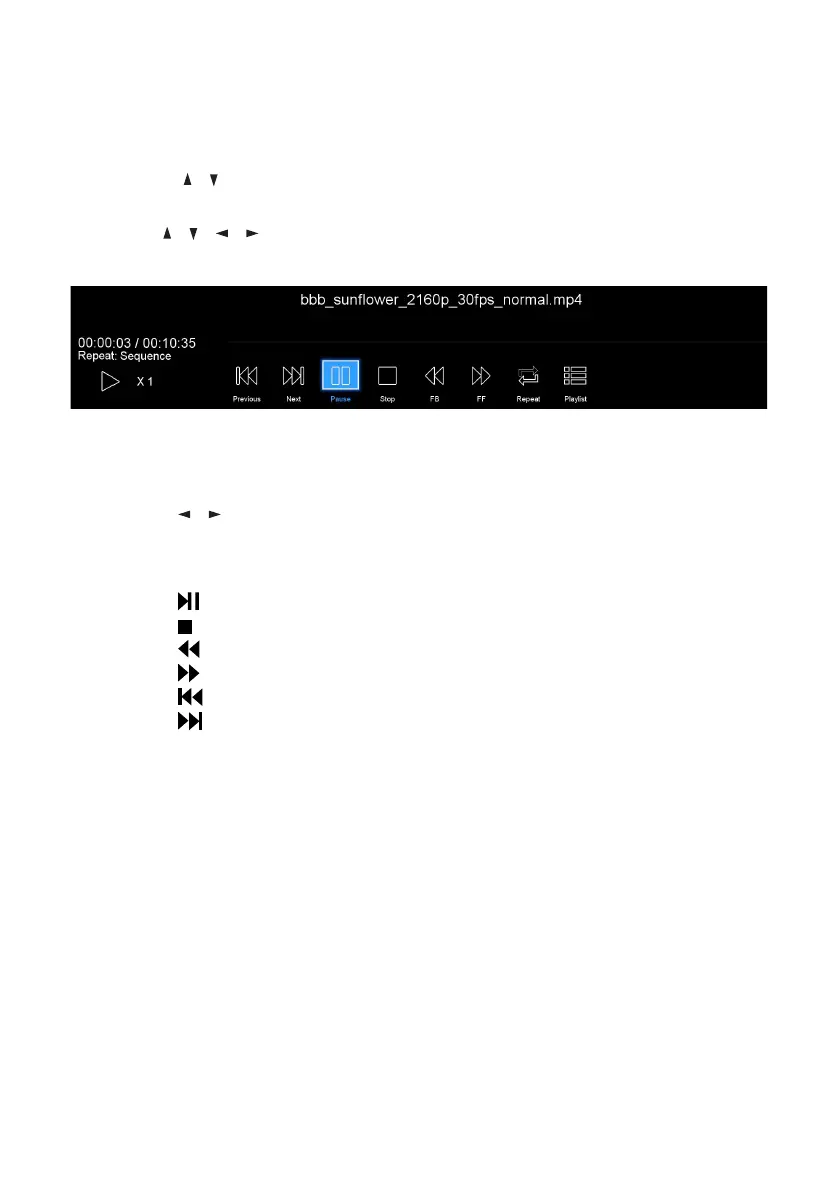
When Playing Movie Files:
• Press the MENU button on the remote control to hide/display the tool bar.
• Press the / buttons to select the preferred function, then press OK to
confirm.
Remote Operations when Playing Multimedia Files:
• Press the button to play or pause playing.
• Press the button to stop playing.
• Press the button to move fast backward.
• Press the button to move fast forward.
• Press the button to play the previous file.
• Press the button to play the next file.
NOTE: To play your multimedia files, make sure you have selected the correct
icon in the main media playback menu.



 To Next Page