30
Menus (Cont.)
TV
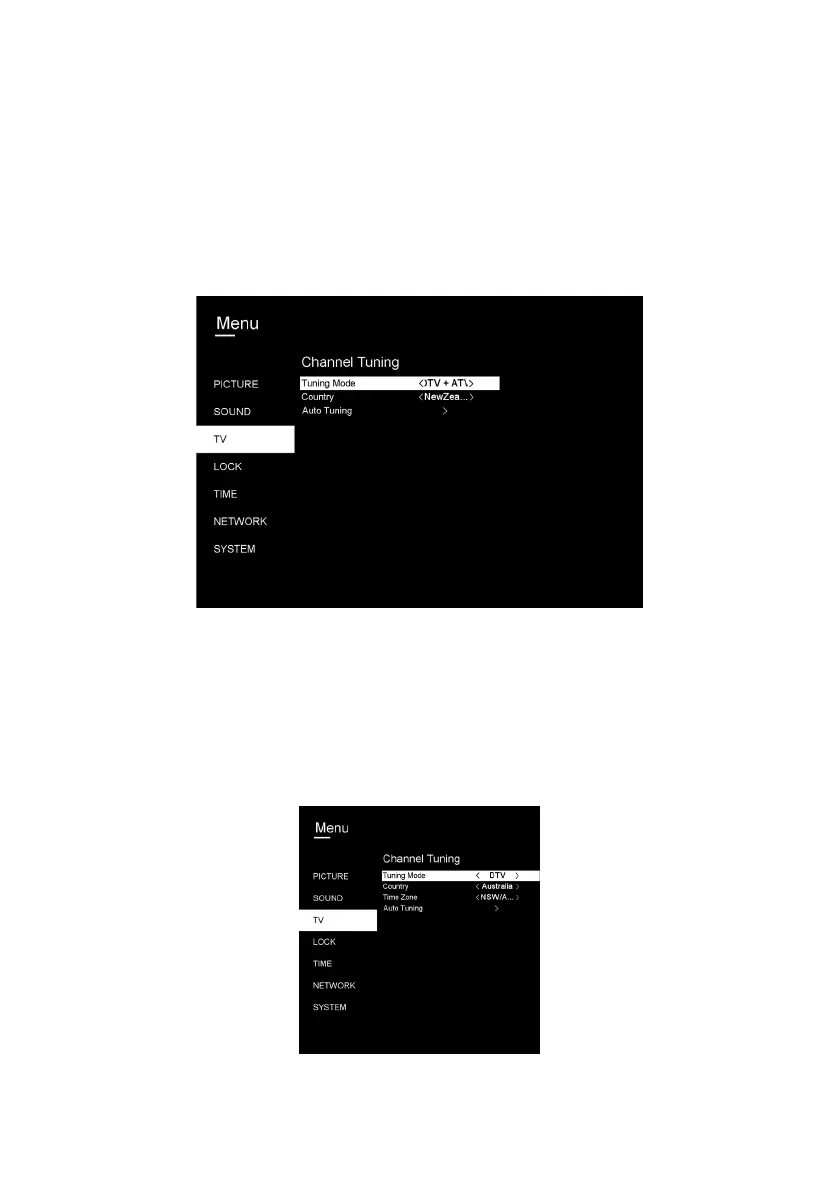
To access the TV menu, press the MENU button, select TV and then press
OK.:From this menu you can access the following options: Auto Tuning,
Digital Manual Tuning, Channel Edit, Signal Information, Recorded List and
Schedule List.
Auto Tuning
Press the OK button to enter. Then select
your Country, Time Zone, Tuner Type, and
then press OK to start scanning.



 To Next Page