29
Menus (Cont.)
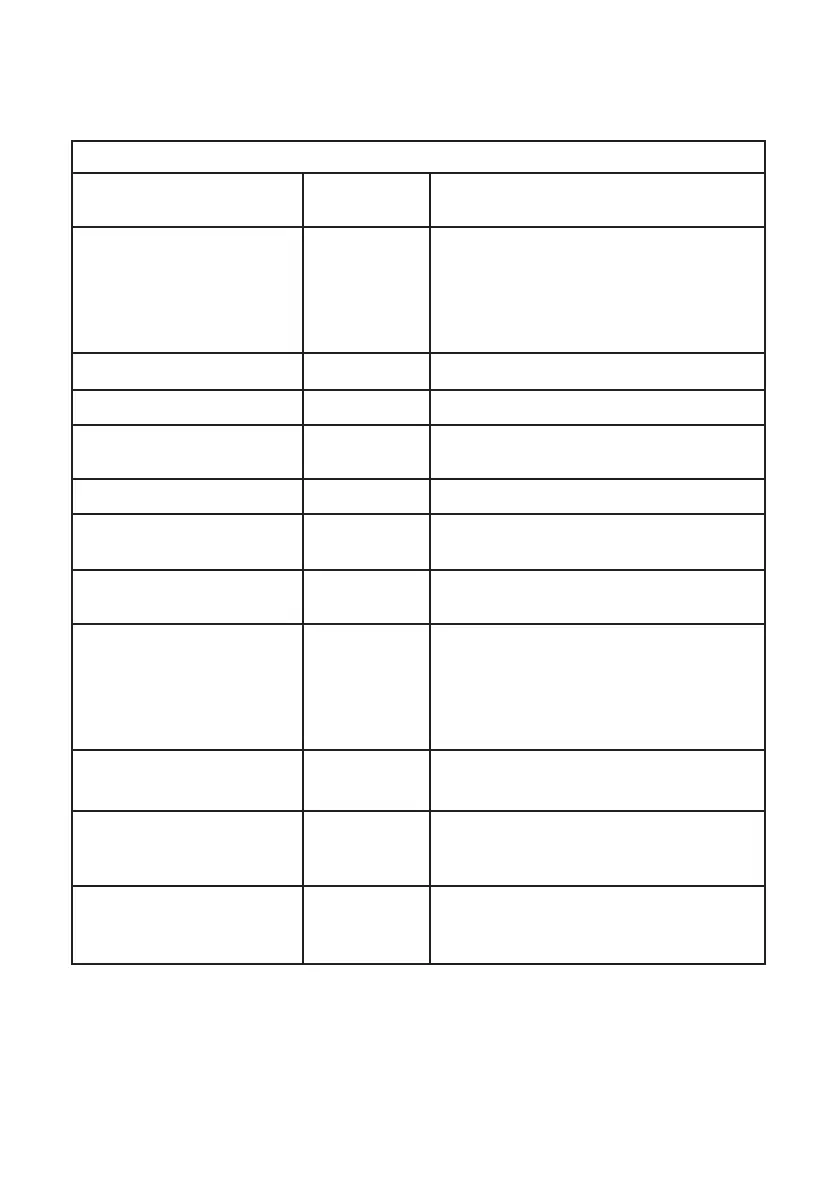
SOUND
ITEM SETTING
OPTIONS
EXPLANATION
Sound Mode
Standard
/ Music /
Movie /
Sports /
Personal
Select Sound mode. When ‘Personal’
setting is selected, you can adjust the
Treble and Bass settings.
Treble
0-100 Adjust Treble.
Bass
0-100 Adjust Bass.
Balance
-50 - +50 Adjust the audio output between left
and right speakers.
Auto Volume Level
Off/On Auto volume On/Off.
DTS TruSurround
Off / On Turn DTS TruSurround simulation On/
Off.
Digital Output
PCM / Auto
/ Off
Select the digital audio output type.
Audio Description
Off / On Audio Description for visual
presentation works only with programs
that contain related narration
information (for people with vision
impairments).
AD Volume
0-100 Only when AD switch is set to ON, can
it be adjusted.
Audio Delay (ms)
0-200 Adjust the setting to fix any lip sync
issues.
S/PDIF Delay (ms)
0-200 Adjust the setting to fix any lip sync
issues when the TV is connected to an
external amplifier.



 To Next Page