38
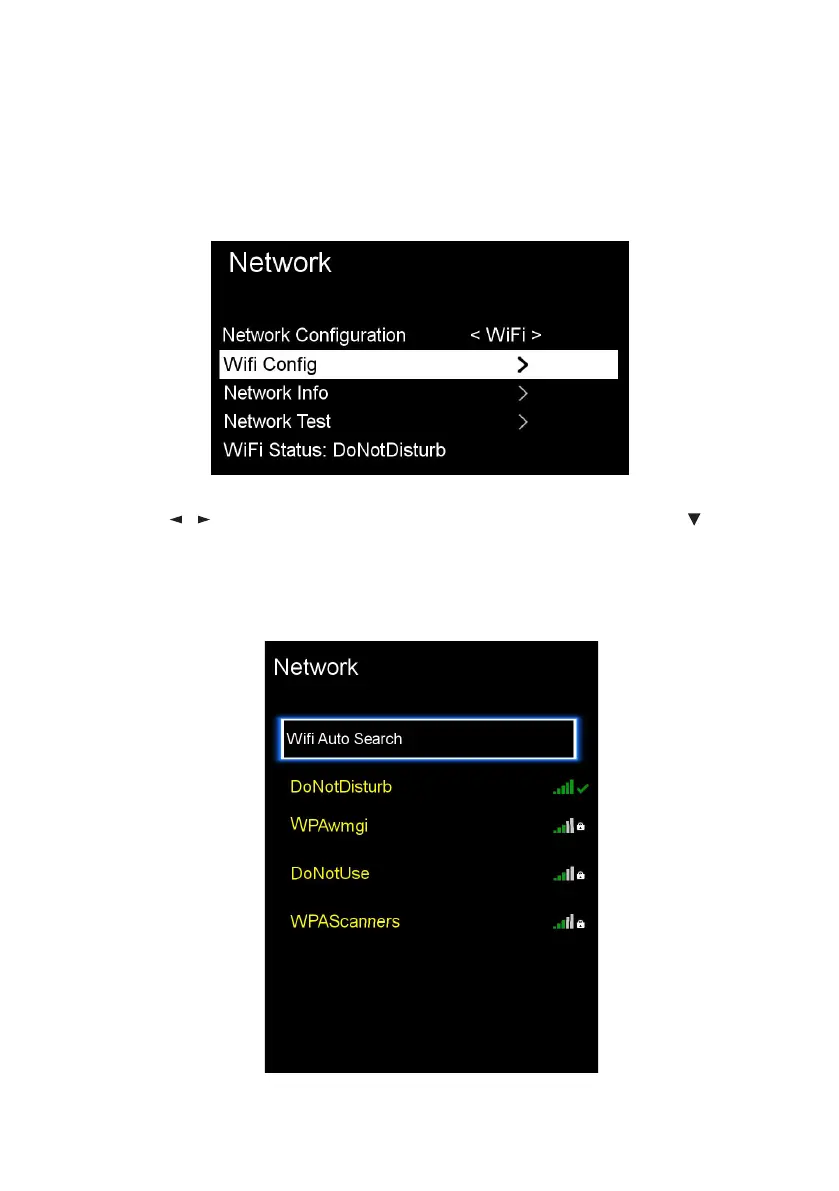
For ‘Wi-Fi Network Connection’, make sure to place your Wi-Fi router close
to the TV.
Press the / buttons and select ‘Wi-Fi’ network type. Then press to
highlight ‘Wi-Fi’ and press OK.
Press the OK button on ‘Wifi Auto Search’ and the TV will automatically
begin searching for nearby Wi-Fi Access Points (WAP). This may take up to 2
minutes.
Wi-Fi
Menus (Cont.)



 To Next Page