43
Smart TV
First Time Setup
Press the Smart TV/TV button on the remote control to switch the unit to
Smart TV mode.
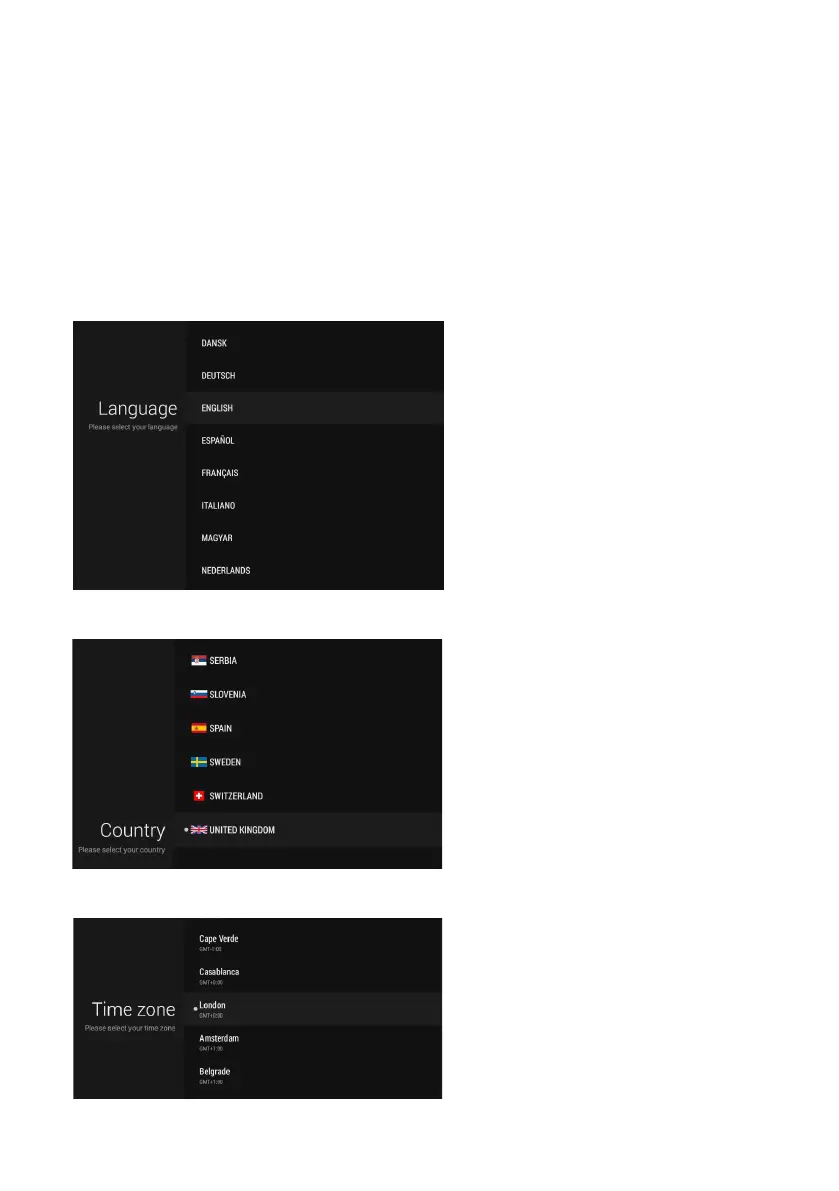
When turning to Smart TV mode for the first time, you will be prompted to
select the following settings:
Language
• Use navigation buttons to select
your language.
• Press OK button confirm it and
enter next page.
Country
• Use navigation buttons to select
your country.
• Press OK button confirm it and
enter next page.
Time Zone
• Use navigation buttons to select
local time zone.
• Press OK button confirm it and
enter next page.



 To Next Page