Need help?
Do you have a question about the VER-MAC V-Touch AFAD and is the answer not in the manual?
Contact information and required items for support.
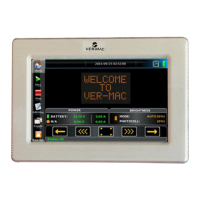
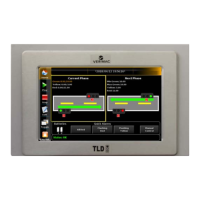
Definition and overview of the controller's capabilities.
Basic instructions for interacting with the touchscreen.
Explanation of access levels (Viewer/Administrator) and how to start.
Information on different software versions available.
Procedure to change the user interface language.
Steps to activate Solo or Duo Radio modes for operation.
How to operate a single AFAD unit independently.
Controlling two AFAD units with a single remote.
Procedure to link wireless remotes to AFAD units.
Steps to properly shut down and secure the AFAD units.
Explanation of the main interface elements and displayed information.
How to adjust signal timing parameters.
Understanding system status indicators and error messages.
Introduction to the functions available via the Options menu.
Overview of settings accessible through the Parameters menu.
Description of possible error messages and statuses on the Home screen.
Troubleshooting common problems with the V-Touch touchscreen.
Causes and troubleshooting steps for a blocked gate.
Causes and troubleshooting for wireless remote issues.
Procedure for administrators to activate the Flagger-Mac.
Operating a single AFAD unit independently in version 1.x.
Operating two AFAD units with one remote in version 1.x.
Explanation of the Home screen elements in version 1.x.
Overview of the Options screen functions in version 1.x.
How to configure settings like timings and unit numbers in version 1.x.
Overview of the Parameters screen functions in version 1.x.
Lists possible messages displayed in the status bar on the Home screen.
 General
| Brand | VER-MAC |
|---|---|
| Model | V-Touch AFAD |
| Category | Controller |
| Language | English |

 To Next Page