User’s Manual 4 Version 2.1
V-Touch AFAD
MAN-13
To start the V-Touch AFAD:
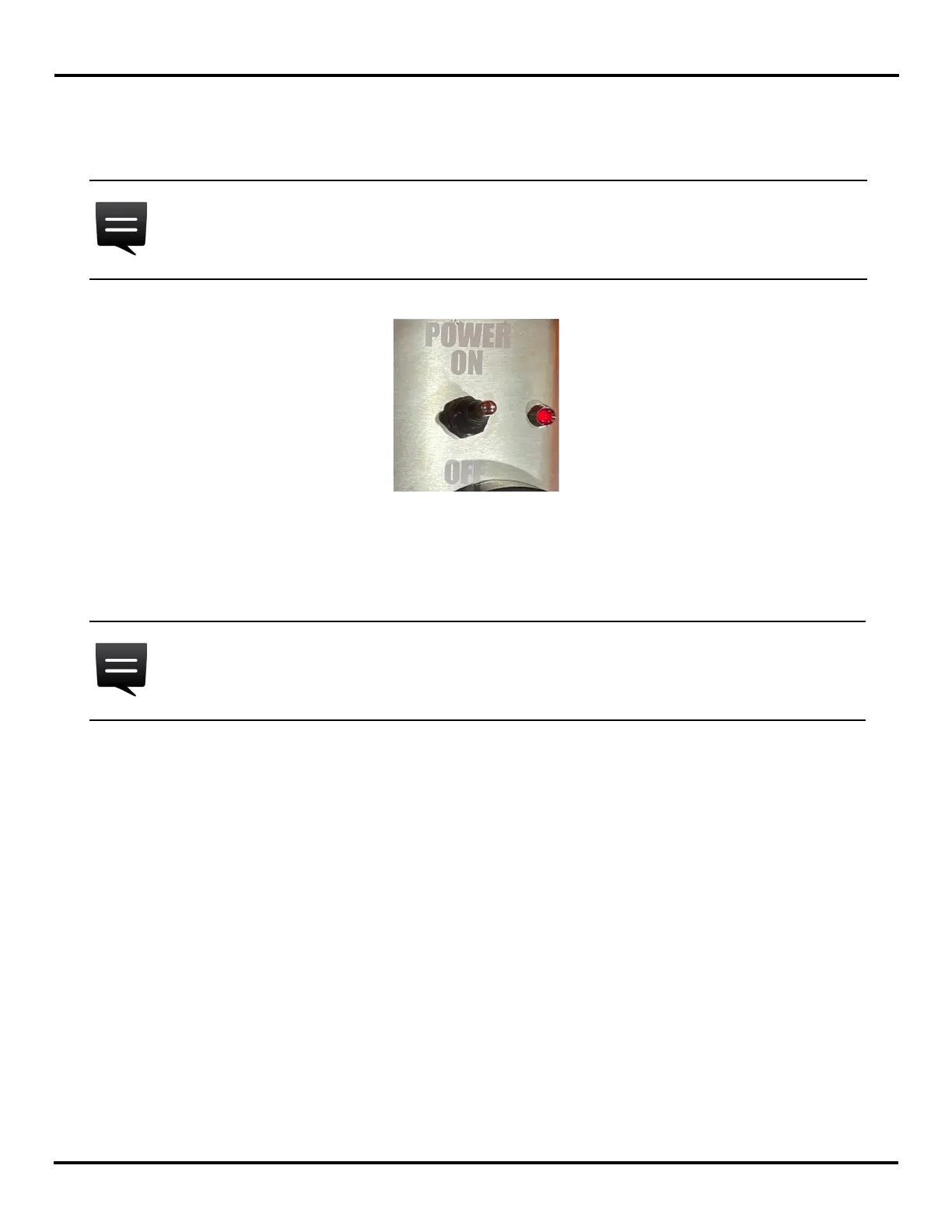
1 Start the unit by turning the switch to the ON position and wait for the start-up sequence to
finish.
Figure 2-2 The V-Touch power switch
2 Tap Admin.
3 Type your numerical password and confirm it (green check box).
2.2 V-Touch AFAD Versions
The V-Touch AFAD software version number can be found on the access level selection screen,
below the User and Admin options (see Figure 2-1).
There are two versions, one with the radio option (1.0.x) and one without (2.0.x).
The image presented in Figure 2-2 is for reference only, your product may slightly
differ.
The factory-set default password for the admin account is nine (9). Change it as soon
as you can.


 To Next Page