Starts the battery self test manually. If the manual self test is already running, stop the self test.
Clear faults
Clears displayed faults after the issue causing the fault is resolved, see Table 7.2 on page83 , for a description of the faults.
Reset power statistics
Resets the values tracked to calculate the Efficiency graph, see About Screen on page72.
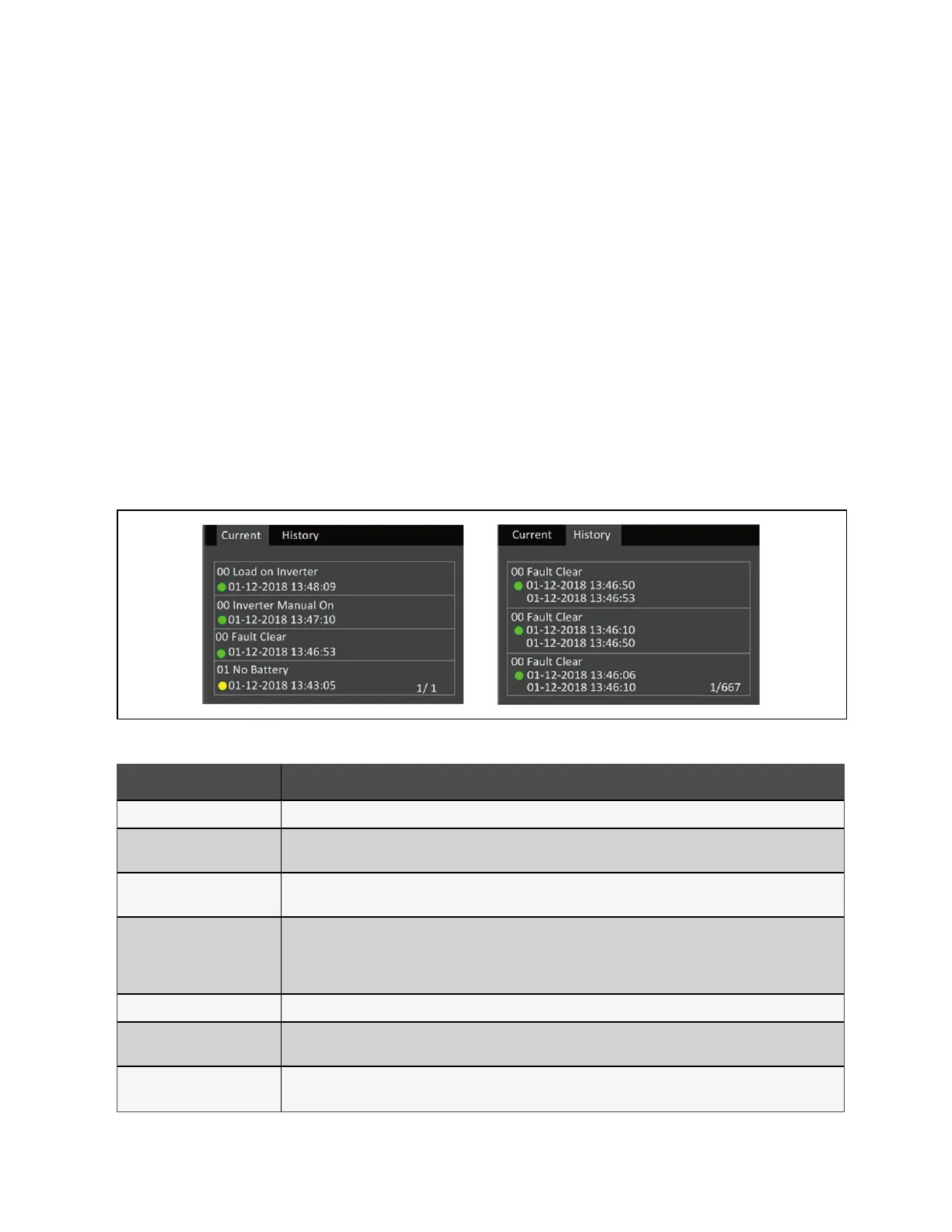
5.2.6 Log Screen
The Log Screen offers tabs that list the current alarms and the alarm/event history. Table 5.4 below, describes the alarm
messages you may see in the logs.
To view the logs:
1. At the main menu, select the Log icon, and press Enter.
2. Use the arrow buttons to move the cursor left/right and select a tab, then press Enter to display the log for the
selected tab.
Figure 5.7 Current and History Log Tabs
Message Description
Aux. power fault UPS internal auxiliary power voltage fault. Contact Vertiv Technical Support.
Battery cabinet connect
abnormal
More than 6 external battery cabinets are connected to the UPS with the auto-detect feature in use. Contact Vertiv
service if using more than 6 EBCs.
Battery EOD
The battery has reached the end of discharge and mains/utility power is unavailable. Restore the mains power. The
UPS will power off if it is not restored.
Battery low pre-warning
This alarm occurs when the battery approaches the EOD. After the pre-warning, the battery capacity allows two
minutes discharge at full load. The user can set the time with the Low Battery Time setting in Battery settings from 2
min - 30 min, (2 min by default). This allows for any loads to be shut down before the system powers off if utility power
cannot be restored.
Battery mode The UPS operating in battery mode. The alarm will clear when utility power is restored.
Battery overtemp
Battery ambient temperature too high. Ensure that the battery ambient temperature is not higher than setting value 40
to 60 °C (default: 50 °C).
Battery replacement timeout
The system time is past the time set for the batteries to be replaced. If you have disabled the Batt. note duration or
have no batteries installed, the alarm will not occur.
Table 5.4 Alarm Messages
5 Operation and Display Panel Proprietary and Confidential ©2024 Vertiv Group Corp. 69
Vertiv™ Liebert® GXT5 UPS Installer/User Guide








 To Next Page