This page also displays the following values:
Battery recommended replacement date
This shows the date that it is recommend to replace the battery. It is 5 years from the time the battery was installed.
SOH (%)
This shows the current SOH percentage.
5.3 Editing Display and Operation Settings
You may adjust the display settings and UPS configuration via the LCD. The display and operation settings are password
protected. The default password is 111111 (six ones).
NOTE: We recommend that you change the password to protect your system and equipment and record the new
password and store it in an accessible location for later retrieval. See Changing the Password on the facing page.
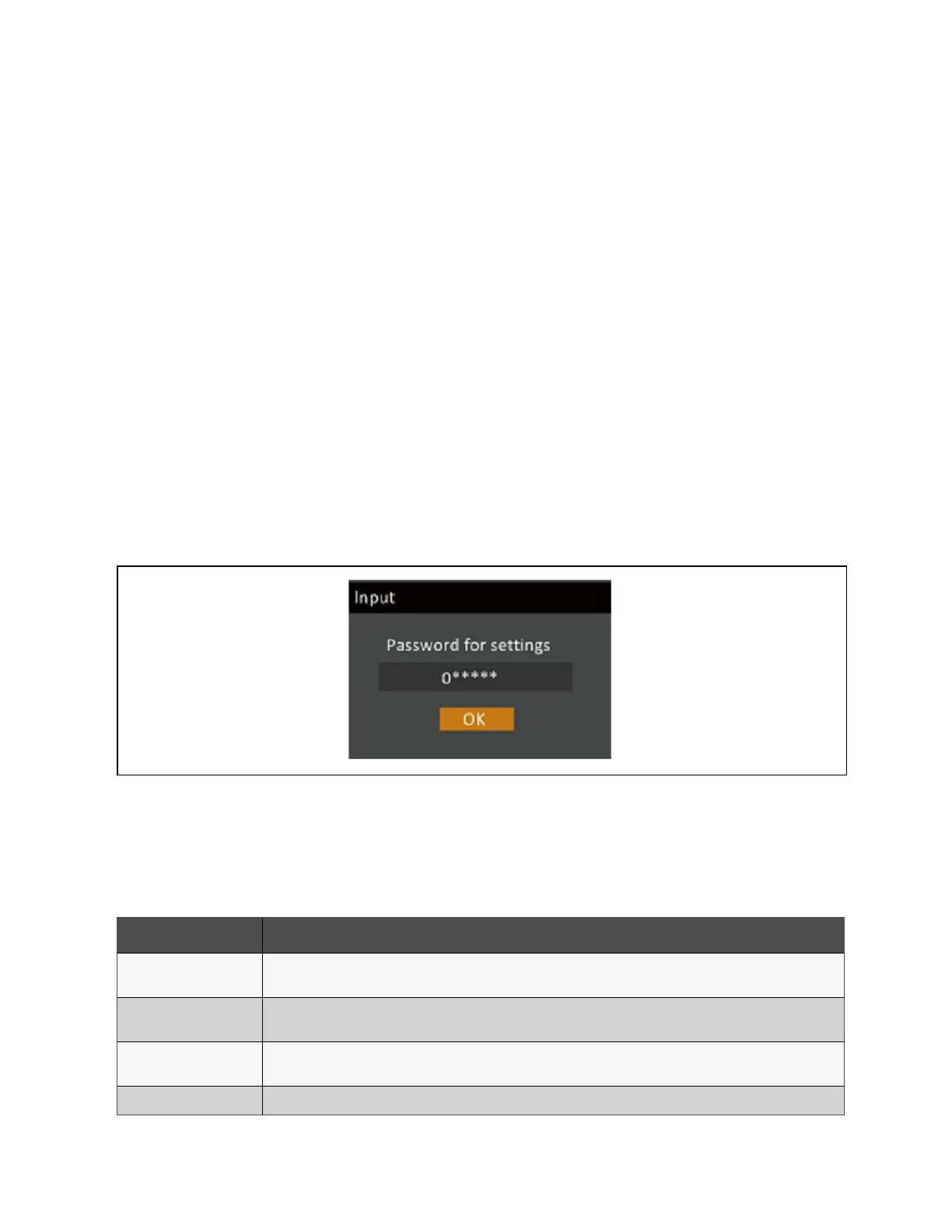
To enter the password:
1. Press the up-arrow button to change the digit shown, then press the down-arrow button to move to the next
digit.
2. Repeat to select each digit, and press Enter to submit the password.
Figure 5.9 Password Prompt
5.3.1 Settings Prompts
While using the operation and display panel, prompts display to alert you to specific conditions or require confirmation of
commands or settings. Table 5.5 below lists the prompts and their meaning.
Prompt Meaning
Cannot set this online,
please shut down output
Appears when changing important output settings (output voltage, output frequency, output phase No.).
Incorrect password, please
input again
Appears when the Settings password is input incorrectly.
Operation failed, condition is
not met
Appears when attempting to execute an operation for which the required conditions are not met.
Password changed OK Appears upon successful change of the Settings password.
Table 5.5 Display Prompts and Meanings
74 Proprietary and Confidential ©2024 Vertiv Group Corp. 5 Operation and Display Panel
Vertiv™ Liebert® GXT5 UPS Installer/User Guide








 To Next Page