9
Compose
COMPOSE
provides a way to create screens containing picture elements, solid colors,
and rectangles.
A composed screen consists of a
background
and one or more objects (called
tiles
) placed
atop the background. The background fills the entire screen. Tiles can vary in size and
appear anywhere on the screen.
You cannot save composed screens
. Therefore, once you set up the composed screen
the way you want it, you must immediately record or display it on the output device. If
you move on to other functions without recording or displaying the composed screen,
it is lost and cannot be recovered.
MXPro provides a limited set of “drawing tools” in Compose mode to help you create
backgrounds and tiles.
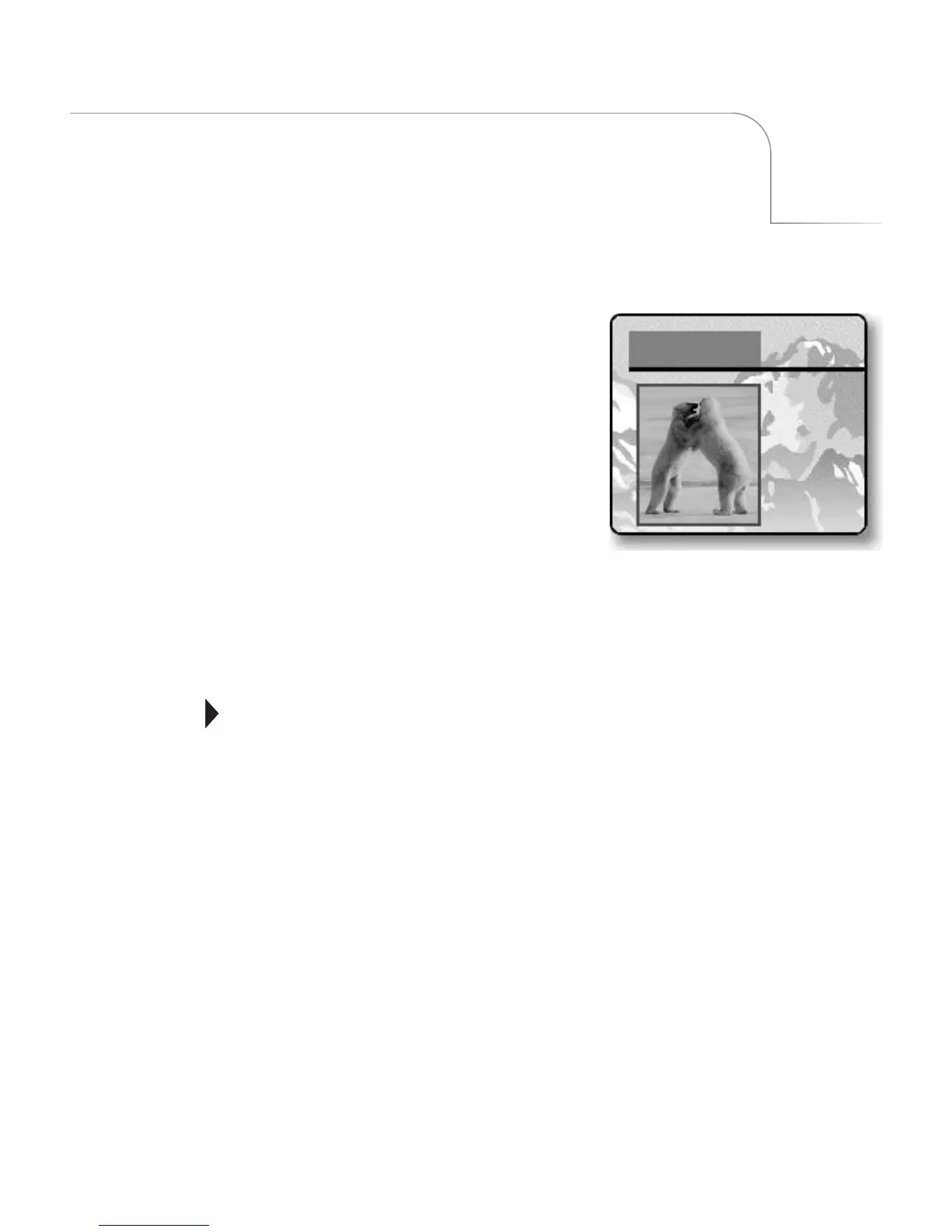
A Composition consists of individual tiles
placed on the screen. A Composition can
contain up to 16 separate tiles and
one background. Tiles can be solid color
rectangles, moving video sequences, or
still (frozen) images.
IMPORTANT
INFORMATION



 To Next Page