18
Chapter 3 Videonics MX-Pro User Guide
S
OURCES
AND
O
UTPUT
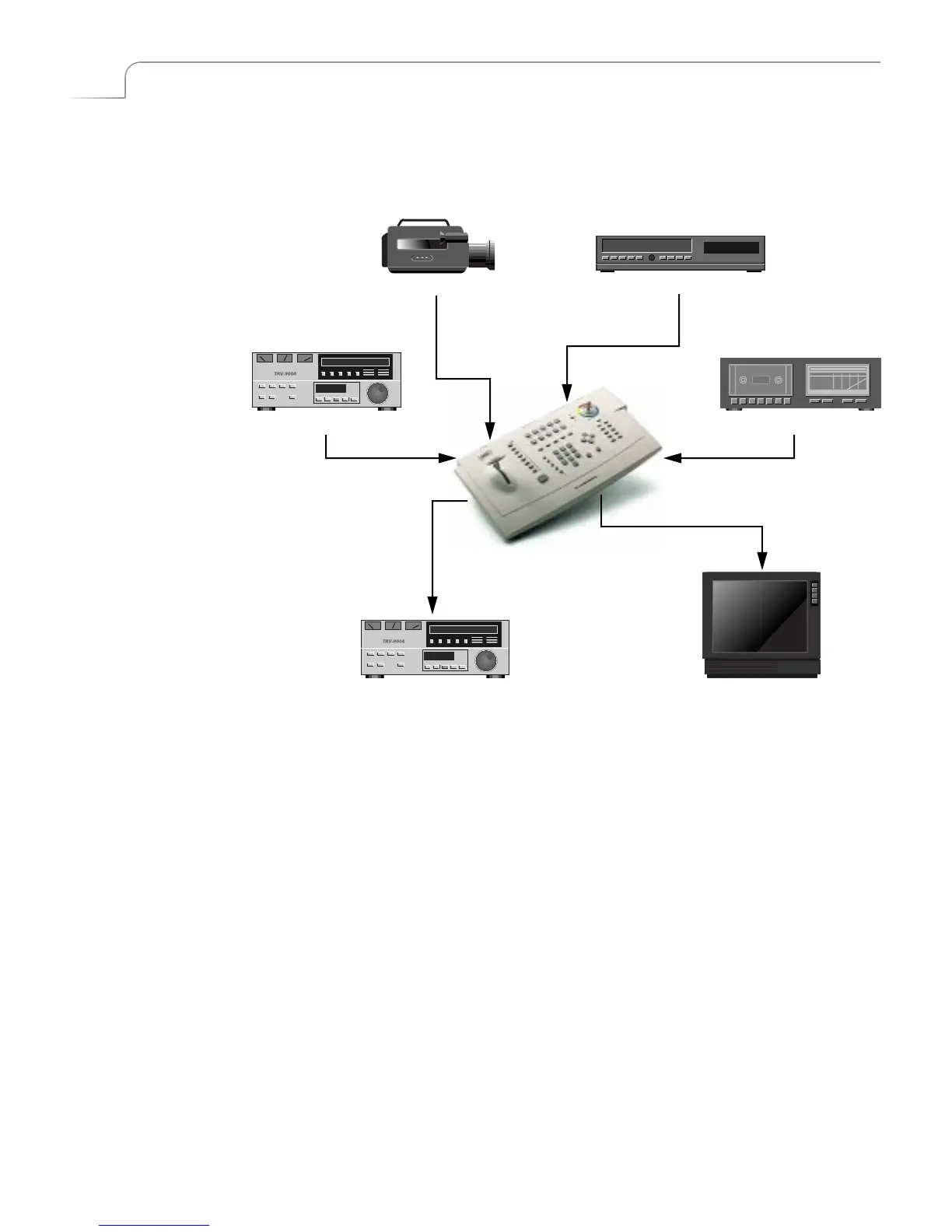
Source and Output refer to the way you use devices with MXPro. You can simulta-
neously connect up to four source devices and two output devices to MXPro.
Source
— A source is an input device. Each source provides a video signal, audio sig-
nal, or both. You use MXPro to combine and (optionally) animate these signals.
Output
— An output is a device on which you record and/or broadcast a signal. The
signal might contain video, audio, or both. This signal is often a mix of signals coming
into MXPro from one or more of the sources. The output device might be a VCR with an
optional monitor attached, or it might be a live broadcast.
00:00
Source Source
Source Source
Output Output



 To Next Page