6
Input Effects
T
his chapter describes MXPro Input Effects, which are available in the following but-
ton group on the MXPro keyboard.
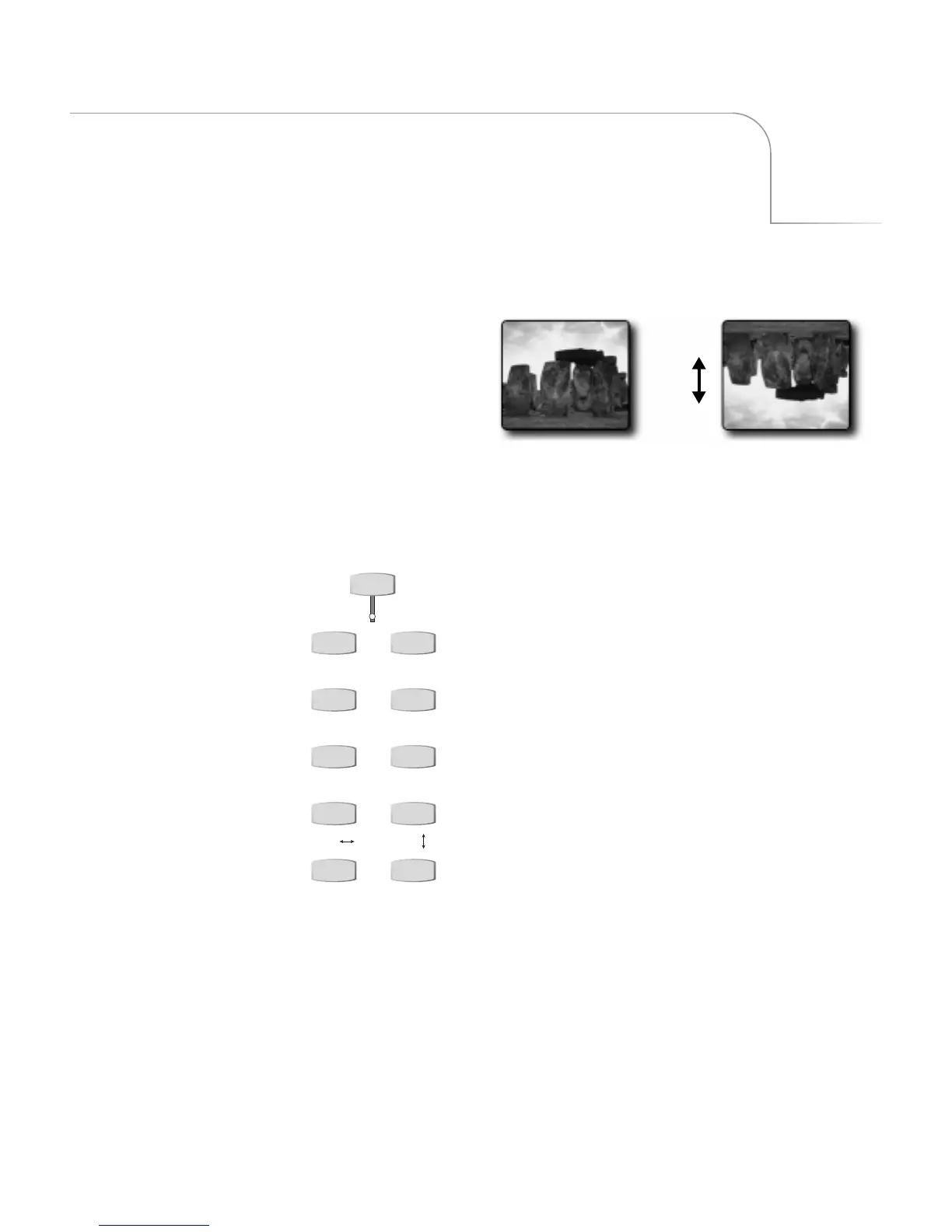
Flip
Use Input Effects to alter the
signal coming into MXPro from
a source device. You can create
many different effects by
combining Input Effects.
INPUT EFFECTS
B&W COLOR CORRECT
B&W NEG COLOR NEG
POSTERIZE CHROMA KEY
FLIP FLIP
MOSAIC STROBE
You can use Input Effects in the following
ways:
• Apply input effects to any source.
• Combine as many different input
effects as you want to create entirely
new effects.
• Apply input effects to some, none, or
all sources, in any combination.
You cannot use Input Effects:
• With trailing transitions.
• With Multi-PIPs.
• In Compose mode.



 To Next Page