24
Chapter 3 Videonics MX-Pro User Guide
Audio Connectors
To connect a stereophonic audio device to MXPro, you need two separate audio cables
— one for the Left channel and one for the Right.
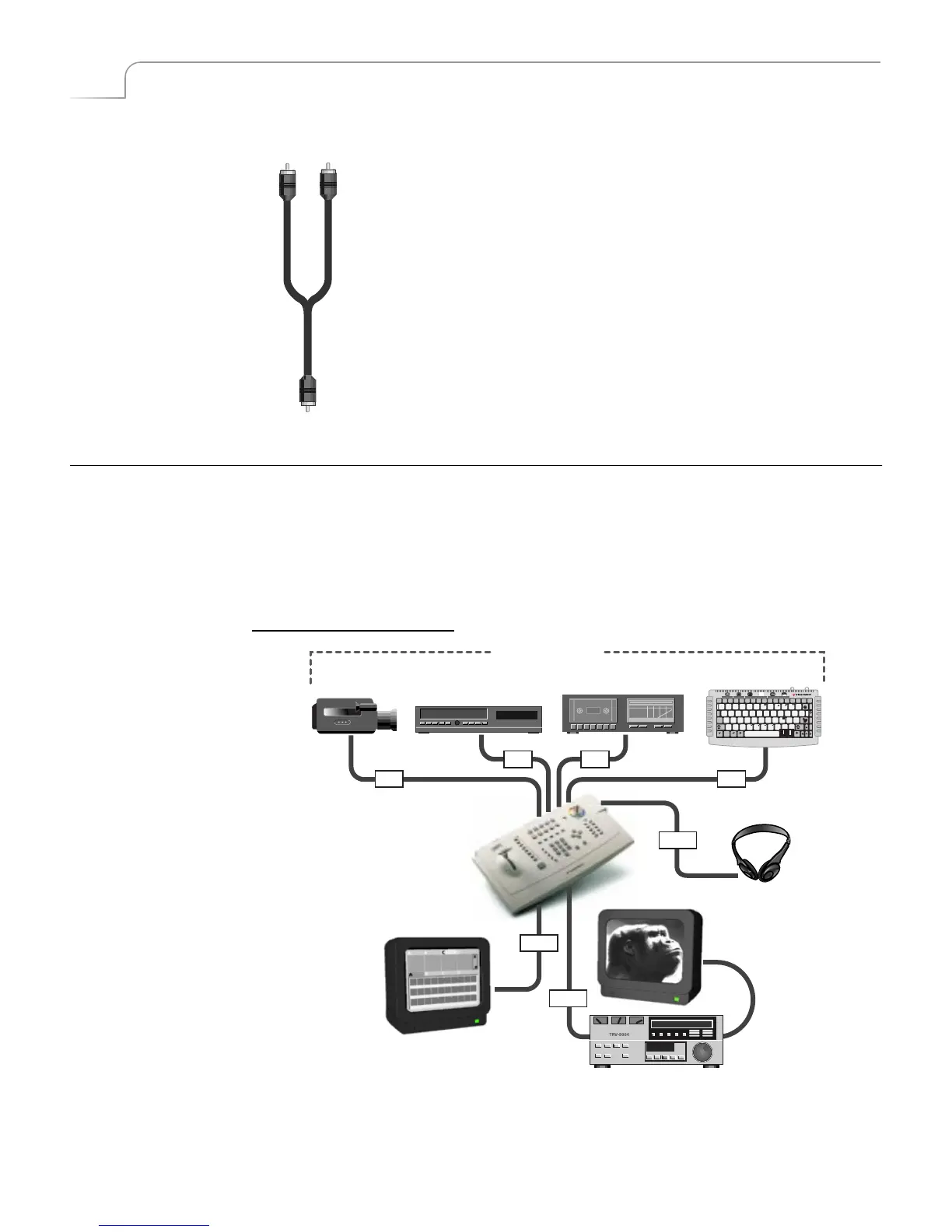
To connect a monaural audio device you need a Y-Adapter cable.
Connect the single end of the adapter to the line input or output on
the device. Connect the two remaining ends to the Left and Right
channel inputs or outputs on the MXPro rear panel.
The Y-Adapter cable does not provide stereophonic audio. It simply
directs the mono signal to or from both MXPro channels.
You can also connect a mono audio device using a single cable. Con-
nect one end to the line in or out on the audio device, then connect
the other end to either the Left or Right MXPro channel connector
using the IN 3 set of inputs (only IN 3 can be configured for mono).
Once connected, use the MXPro ROUTE function to specify which con-
nector (Left or Right) you used. See “Route” beginning on page 77.
I
NSTALLATION
E
XAMPLES
This section shows examples of two common MXPro configurations, but does not
describe every possibility.
Before proceeding, study the following diagram (MXPro Installation Concept) that
shows overall configuration concepts.
You can have up to four separate audio/video input sources. MXPro designates them as
sources A, B, C, and D. You can use any mix of devices as necessary to complete your
work so long as they are valid MXPro devices. For example, you can use VCR’s, VTR’s,
00:00
POWER
DEMO
tab
new
line
OK
delete
undo
posn
page
up
page
down
caps
lock
shift shift
cmd PLAY PLAY
accent
FONT &
SIZE
STYLE COLOR PATTERN COLOR PATTERN COLOR STYLE COLOR PATTERN IN OUT copy move
mark
start
page
index
new
page
mark
end
1234567890-=
QWE R T Y U I O P [ ]\
ASDFGHJ KL ;
'
ZXCVBNM, . /
1
2
!
!
@#$%^&
*
()_+
{}
:
<>
?
?
"
FONT LETTER OUTLINE BORDERS BACKGROUND EFFECTS
X
^
~
"
v
0
{}|
¢£¥® • Œ «»©
™
Æ
‘’
ß
Ç
“”
§ ÖŸ Hun©Ÿ
HEADPHONES
IN
IN IN
IN
OUT
OUT
OUT
MXPro Installation Concept
SOURCES
Channel
A
Channel
B
Channel
C
Channel
D
MXPro
Headphones
Preview
Output
Program



 To Next Page