75
Functions Setup
S
ETUP
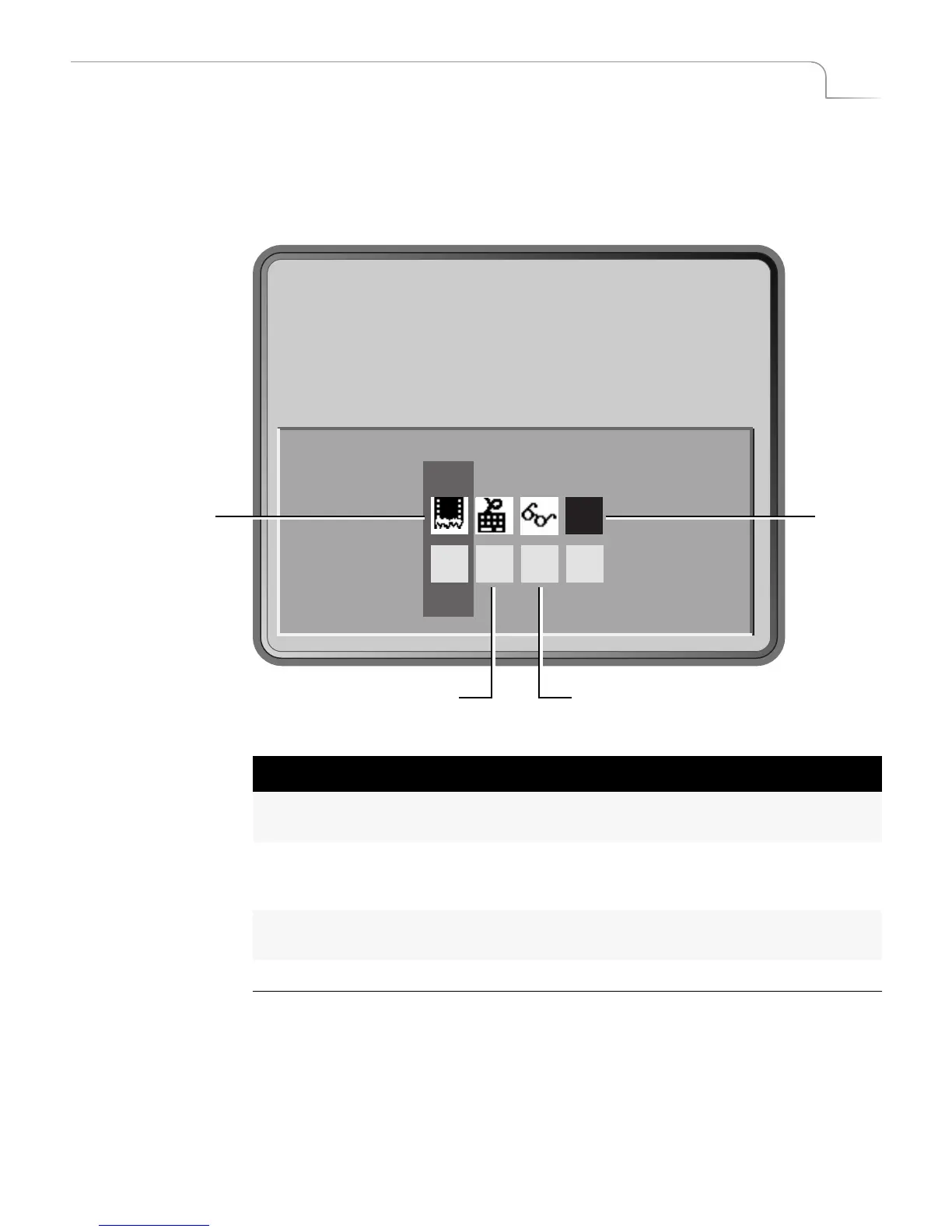
The Setup functions control various aspects of the way MXPro operates, including Force
Field Freeze, GPI Out Mode, Comb Filter, and Black Level.
To access the Setup functions, press
SETUP
.
Each channel’s setting can be different. Use the
NEXT
buttons to select the channel you
want to affect. For example, to set options for channel C, press
NEXT/C
(MXPro high-
lights that channel on the Setup screen), then set the options as you want.
1011
Force Field
Freeze
Black
GPI Out Mode Comb Filter
Level
(NTSC only)
Table 9: Setup Menu Navigation Keys
To do this function:
Enter Notes
Select a menu option
LEFT
or
RIGHT ARROW
Wraps through all
options
Enter specific option value
NUMBER
keys If value entered is not
valid, MXPro sets to
nearest valid value.
Restore setup values to factory
defaults.
SHIFT+0
Exit from Setup menu
OK



 To Next Page