74
Chapter 7 Videonics MX-Pro User Guide
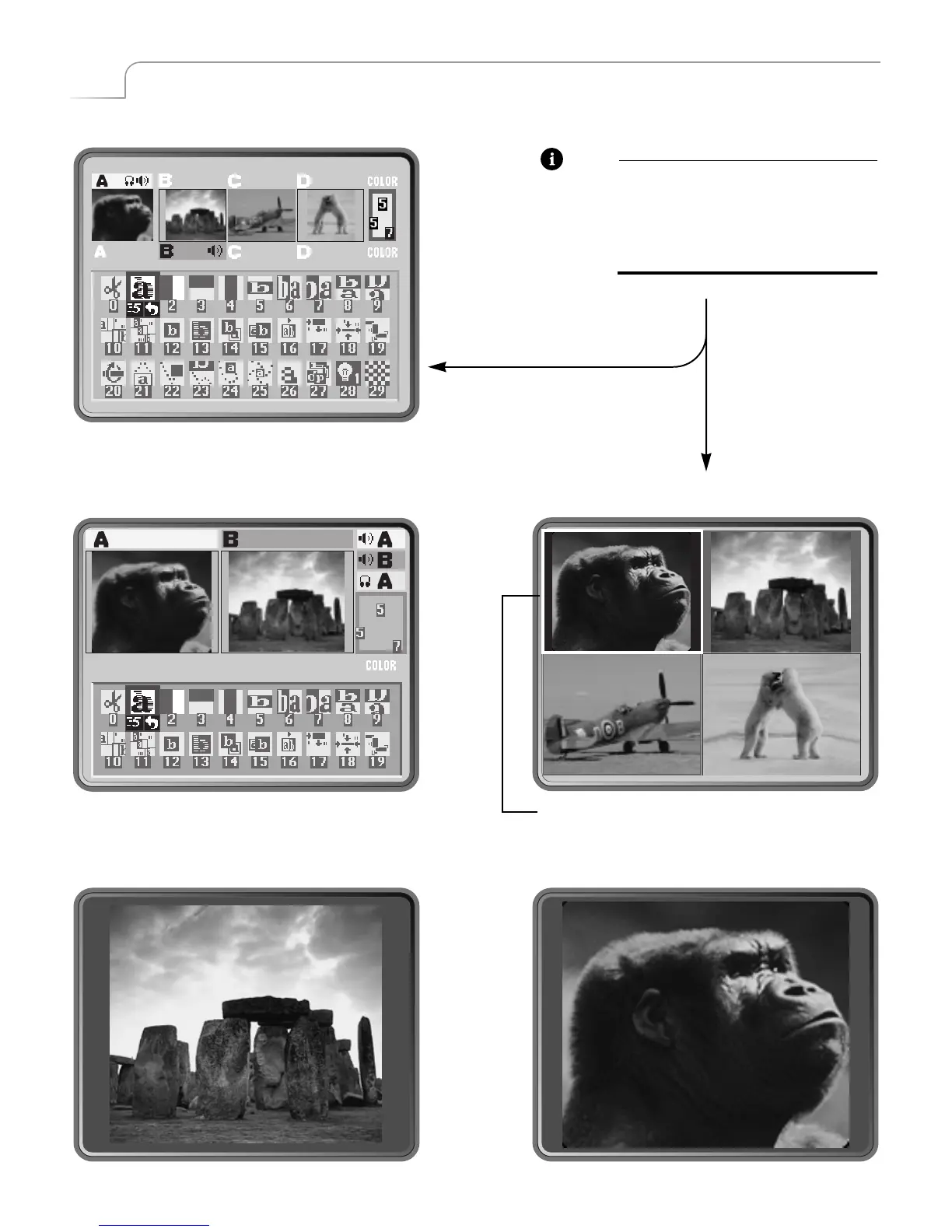
STANDARD – SHIFT+1
TWO CHANNEL – SHIFT+2 FULL – SHIFT+3
CURRENT – SHIFT+5NEXT – SHIFT+4
Note
For all examples on this page,
assume source A is CURRENT and
source B is NEXT. Input sources C
and D show up only when using
STANDARD or FULL options.
Flashing white border indicates CURRENT source,
unless that source is the COLOR channel.



 To Next Page