8
PIPs
PIPs
(
P
icture-
I
n-
P
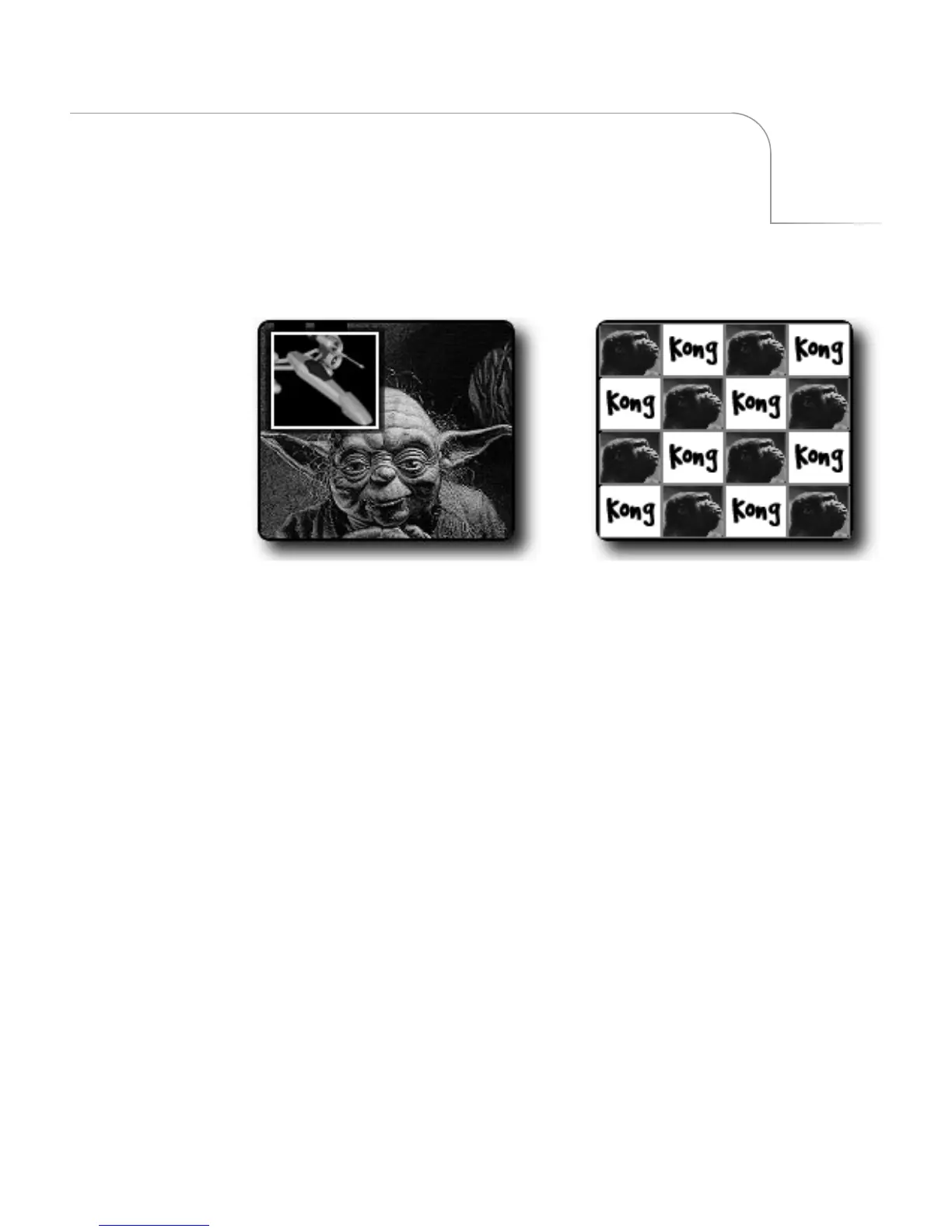
icture) provides a way to combine images on the same screen. For
example, one image appears inside a small rectangle, and the other image fills the
remainder of the screen, as shown by
Single PIP
, above.
You can freeze the background or foreground, or make either one a solid color.
You can create
Single PIP
configurations where two images appear on the screen at
the same time. You can also create
Multi-PIP
configurations where up to sixteen
images appear on the screen at the same time. Single PIP and Multi-PIP work
differently.
PIP images consist of a
tile
(the video image) and a
mask
(the window or shape through
which the tile shows).
Multi-PIPSingle PIP



 To Next Page