37
Basic Operations Color Selector
Color Selector
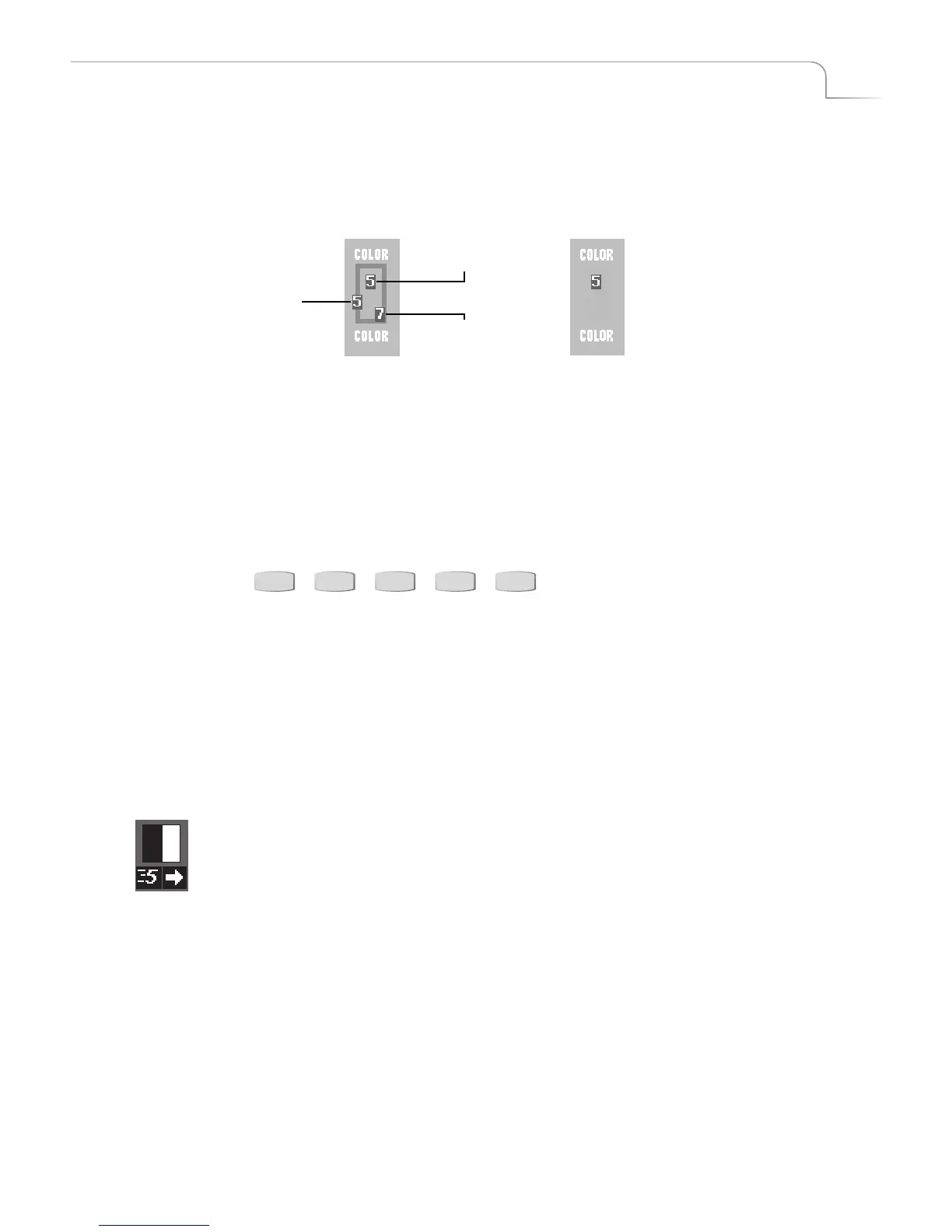
The Color Selector shows current choices for background color, border color, and border
style. The selector shows the actual colors, and also shows the numeric values associ-
ated with each. This example shows a background color 5, border color 7, and border
style 5.
You can cycle through all available colors for each component using the BG COLOR,
BORDER COLOR, and BORDER STYLE buttons. See “Working with Colors” beginning
on page 42.
Transitions Menu
The Transitions Menu shows up to 30 transitions at a time. MXPro groups the 500+
available transitions into distinct categories.
To access any transition category, press the appropriate Transition Category button.
See “Transition Categories and Menus” beginning on page 52 for more information.
Use the ARROW keys to navigate through the transitions in the current menu. If a cat-
egory contains more transitions than can appear in the Transitions Menu at one time,
continue pressing DOWN ARROW or UP ARROW to scroll the other transitions into
the menu. When the transition you want appears in the Transitions Menu, use the
ARROW Keys to select (or, highlight) it.
Selected Transition
When you select a transition in the menu, MXPro highlights it in blue. It also shows
the current speed and direction for the transition. In this example, speed is 5 and the
direction is forward (as indicated by the arrow).
You can change the speed at which a transition runs, and you can also change the
direction in which it runs. See “Adjusting Transitions” beginning on page 58.
Background
Color
Border
Color
Border
Style
If you turn off the border (that
is, set the border style to zero),
the border color swatch and
number do not appear in the
Color Selector.
USER BASIC EDGES TRAILING SHAPES



 To Next Page