7
Introduction About this User Guide
MXPro Buttons
When referencing the various buttons (or, keys) and other controls on the MXPro key-
board, they appear in uppercase, boldface characters. For example, the keyboard con-
tains the
PLAY
button and
T-BAR
.
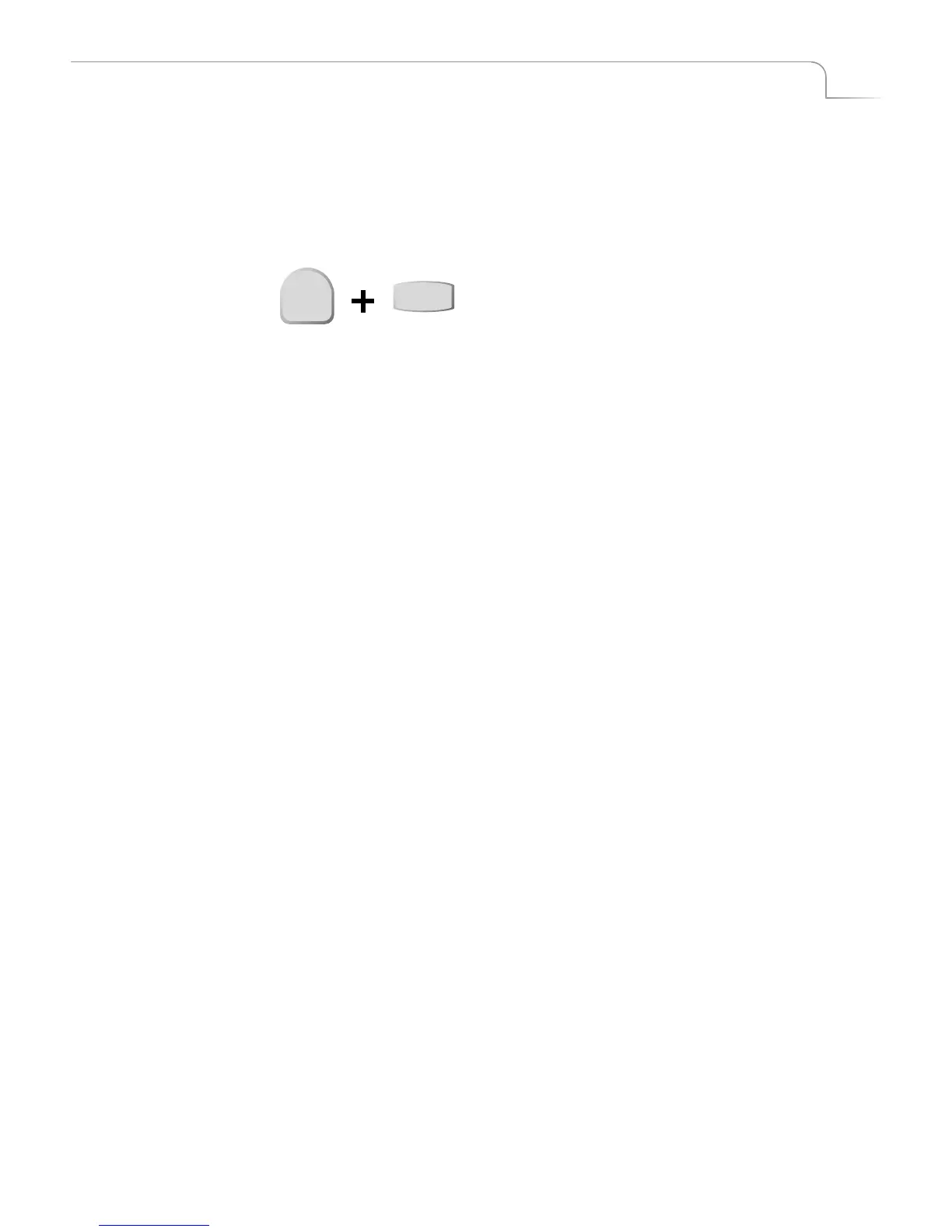
In some cases you use two buttons together to perform a function. This is normally
done using the shift button in combination with some other button. A plus (+) symbol
indicates this. For example, you might be asked to enter
SHIFT+PIPS
. This means press
and hold down the
SHIFT
button, press the
PIPs
button, then release both.
Sources, Channels, and
Outputs
The terms
Source
,
Channel
, and
Output
appear extensively throughout this guide. It’s
important to understand the differences between them.
A
Source
is a physical device, such as a VCR, that provides a video and/or audio sig-
nal.
A
Channel
is an internal MXPro component. The video and/or audio signal originat-
ing from a source travels along one of the channels.
An
Output displays or records a mixed signal (such as the video on one channel, a
transition, and the video on another channel) on an output device. The output device
might be a recording VCR or a live broadcast signal.
SHIFT
PIPs



 To Next Page