95x Series Operating Manual - May 17, 2022
Page 21 of 155
SECTION 4 – GENERAL FRONT PANEL OPERATION
This section gives general information regarding using the front panel and its menus.
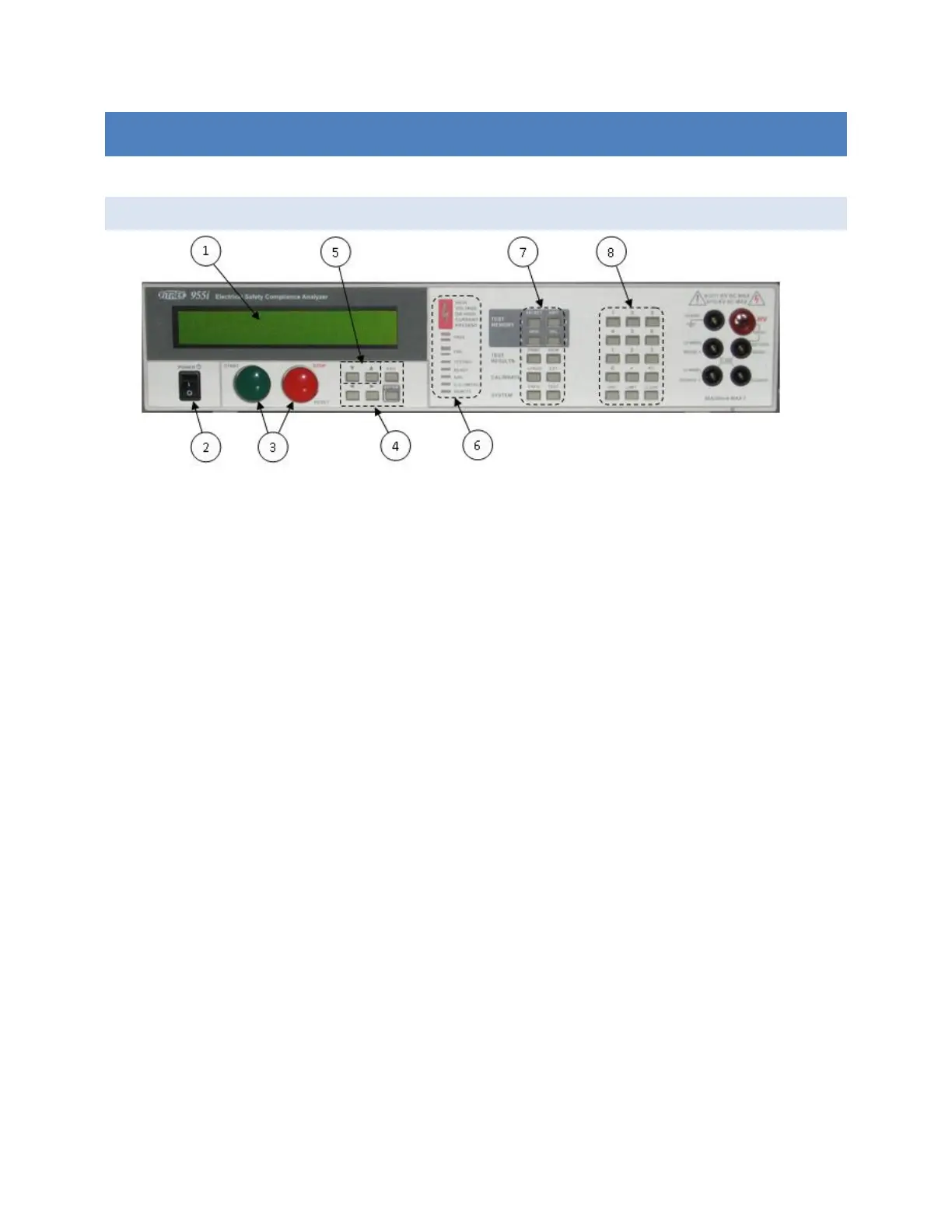
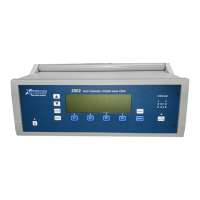
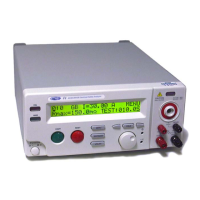
FRONT PANEL
1. The display. This shows all menus during interactive data entries, all measurements during a test, and the
present date/time when not performing any other duties.
2. The POWER switch. This turns on/off the power to the 95x.
3. The START and STOP buttons.
a. The START button allows the user to start performing a previous selected test sequence, or
(while running a test sequence) select to continue a test step when it is waiting for the user to do
so.
b. The STOP button aborts any test sequence in progress (while running a test sequence), aborts
the menu activity in progress discarding any changes made (while performing a menu), or makes
no test sequence selected (otherwise).
4. The menu selection keys. During all menus, the selected element of the menu is highlighted by flashing
between the data and blocks. These keys allow the user to move the selection point within a menu.
a. The Left and Right Arrow keys are used to move the selection point within a menu.
b. The ENTER key is used to finish entry of a menu data and automatically move to the next menu
item.
c. The EXIT key (labeled EXIT/SAVE on later units) is used to save all changes made within a menu
and return to the previous menu (if any) or to the inactive display.
5. The edit keys. These allow the user to decrement or increment a selected menu items’ value. During
numeric entry these initiate “edit” mode of data entry, rather than “direct” mode of data entry (i.e., allow
the user to adjust the existing entry using the Up/Down Arrow keys, rather than overwriting the existing
value with a new value using the numeric keys). For convenience, these keys auto-repeat if the user
maintains pressure on them.
6. The indicators.
a. HIGH VOLTAGE OR HIGH CURRENT PRESENT. This is illuminated whenever the 95x has a high
voltage (>30V) or a high current (>5A) present on its terminals.


 To Next Page