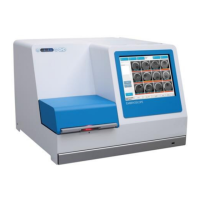
EmbryoScope time-lapse incubator
- 16 -
3 Restarting the integrated PC
In some cases, it will be necessary to restart the PC that is integrated in the EmbryoScope time-
lapse incubator, e.g. if an error condition occurs.
To restart the PC:
1. Pull out the keyboard at the bottom of the EmbryoScope time-lapse incubator.
2. Use a pointed object such as a pencil or a ballpoint to press the small red button available
to the right of the keyboard (see the illustration in section 2). The PC will now shut down.
3. Press the red button again to restart the PC.


 To Next Page