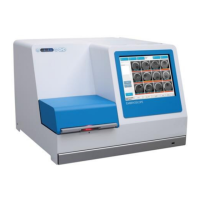
EmbryoScope time-lapse incubator
- 38 -
6.3.2 Creating a new patient on the EmbryoScope time-lapse incubator
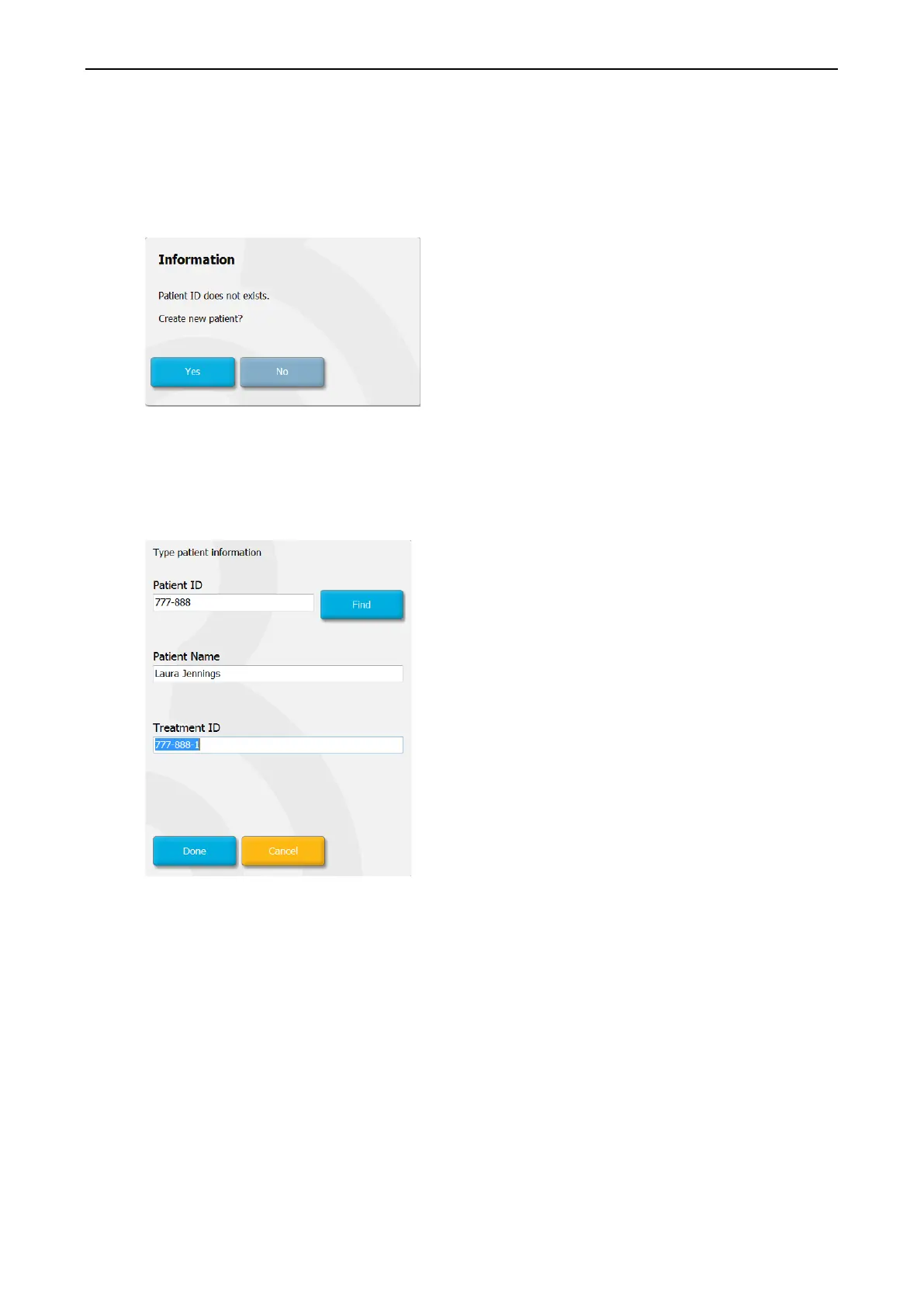
1. Enter a patient ID in the Patient ID field and press Find. If the patient ID you have entered
could not be retrieved from the database, this dialogue box is displayed:
2. Press Yes to create a new patient. The Type patient information screen is now
presented:
3. Complete the Patient Name field.
4. Add a treatment ID in the Treatment ID field.
5. Press Done. The new patient is created and a treatment is added. On the EmbryoSlide
details screen, you can enter additional data for the new patient and treatment.


 To Next Page