EmbryoScope time-lapse incubator
- 36 -
6.3 Starting an EmbryoSlide culture dish
Follow this procedure to start an EmbryoSlide culture dish:
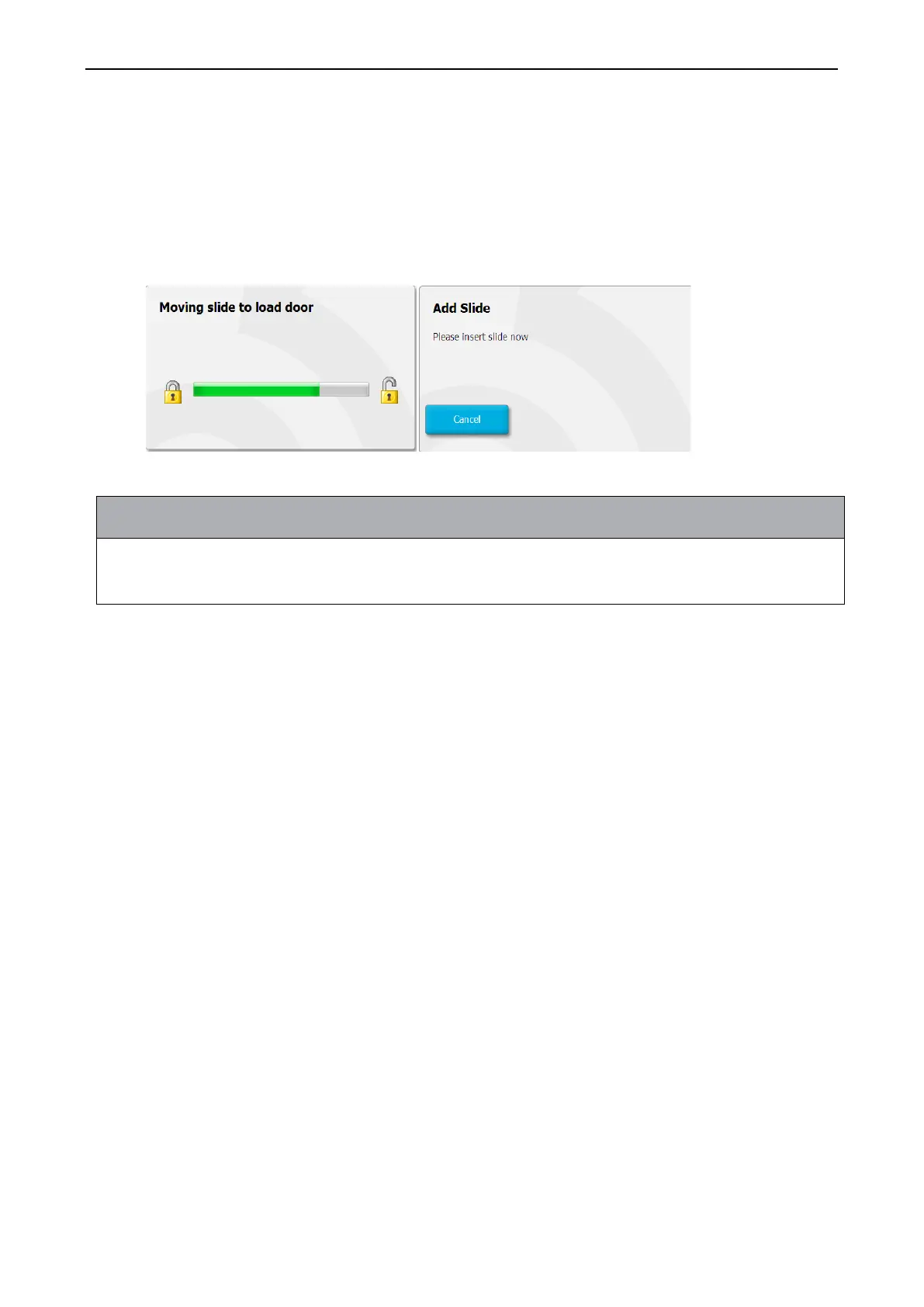
1. On the home screen, press the Add Slide button.
• EmbryoScope time-lapse incubators with a serial number lower than 100 do not have a
lock indicator light in the load door cover.
2. Open the load door and place the EmbryoSlide culture dish in the accessible position of the
holder.
The first culture dish is placed in position 1. Subsequent culture dishes should be placed in
the next free positions. The EmbryoSlide culture dish should be inserted with the handling
tail fin towards the front of the incubator.
3. Close the load door and press OK.
The EmbryoSlide culture dish has now been inserted, and the patient and treatment
information has automatically been registered.
Proceed to sections 6.3.1 and 6.3.2.


 To Next Page