EmbryoScope time-lapse incubator
- 65 -
10 Emergency procedure
The emergency procedure is also found under the service lid.
10.1 Removing EmbryoSlide culture dishes after a power
failure
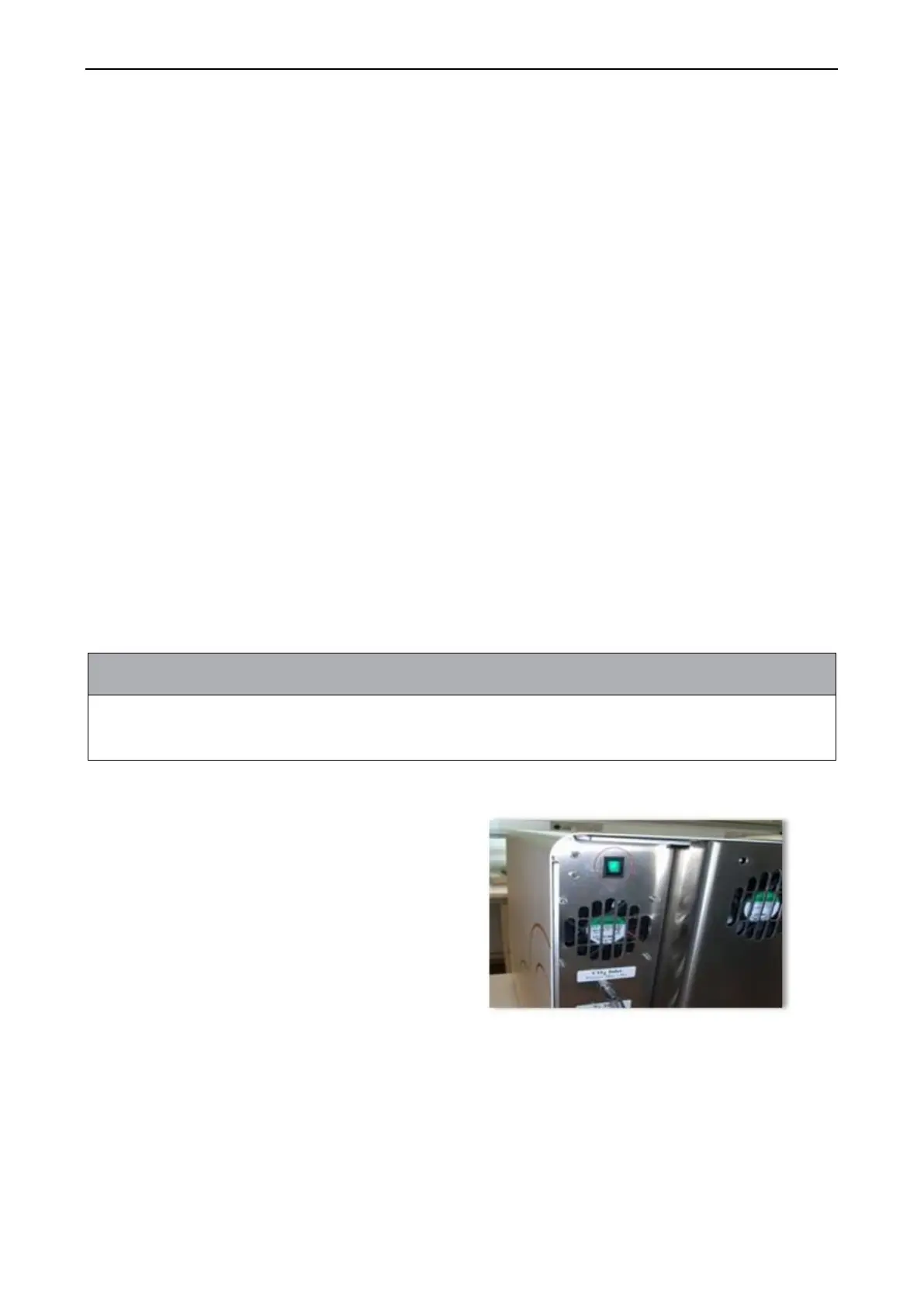
1. Turn on the EmbryoScope time-lapse incubator using the main switch (the green switch at
the back, upper left corner).
2. When everything has been initialised and the welcome screen appears, press Remove
Slides.
10.2 Removing EmbryoSlide culture dishes after a system
failure
The safest way to terminate an EmbryoSlide culture dish is described in section 6.6. However, in
case of an emergency, a culture dish can be terminated IMMEDIATELY by performing the
following actions.
• The emergency procedure may only be used when all other options to safeguard the
running EmbryoSlide culture dish have failed.
1. Turn off the EmbryoScope time-lapse
incubator on the main switch.
The main switch is the illuminated
green switch on the rear side, upper
left corner.
2. Find the 2.5 mm and 3 mm Allen keys
that are stored together with the
emergency procedures beneath the
service lid.


 To Next Page