• The core temperature of the culture dish holder measured by the high-precision
thermometer is 0.2°C higher than the temperature at the bottom of the microwell where
the embryo resides.
• You should therefore adjust the temperature on the display to match the reading made by
the external thermometer minus 0.2°C (see also the preceding table for examples of the
calibration temperature for various readings).
Follow this procedure to calibrate the temperature:
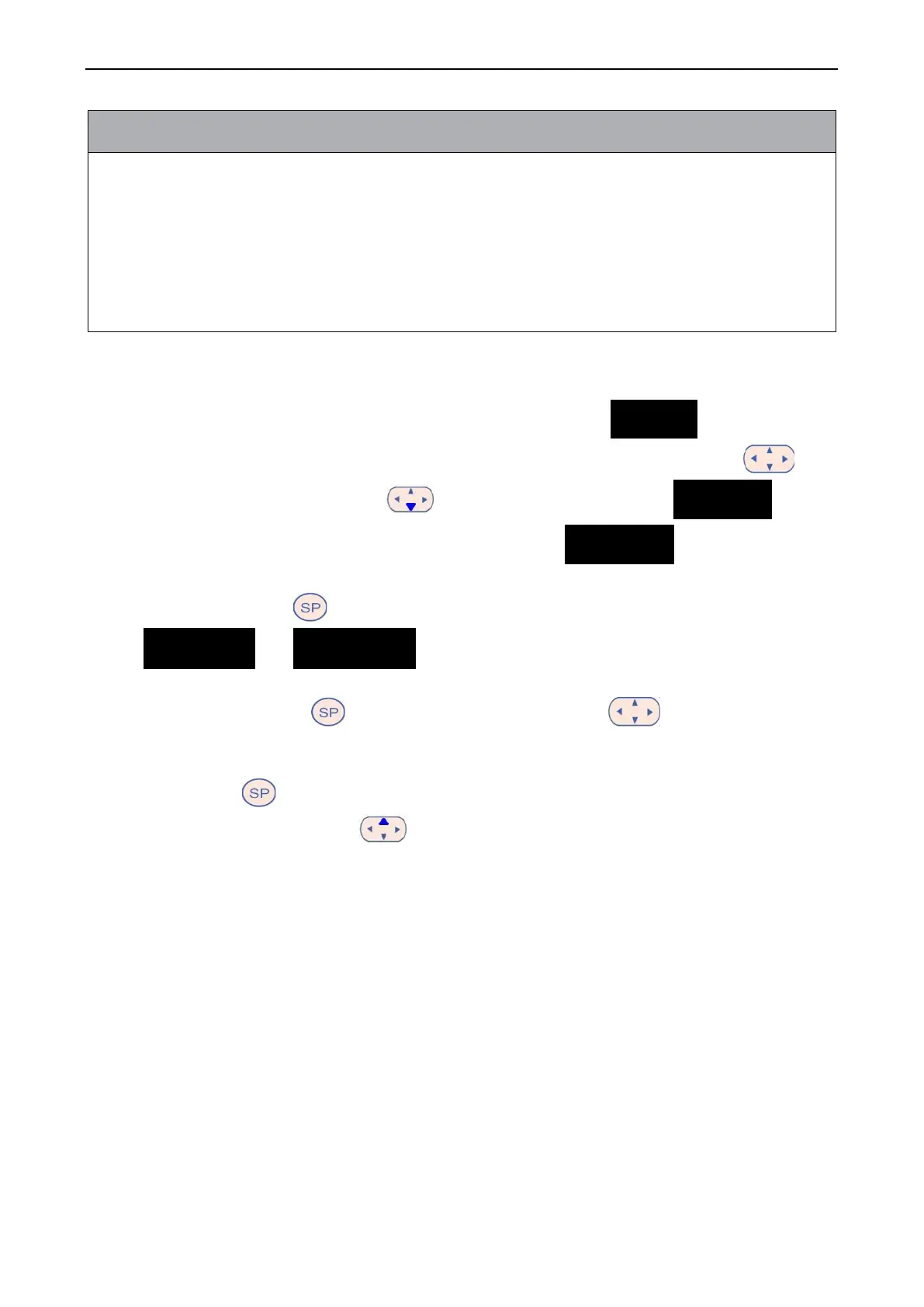
1. In the set point menu, navigate to the temperature menu item . (temperature
menu item – the set point is: 37°C) by pressing either the right or the left arrow .
2. Press and hold the down arrow until the display stops flashing . When
the change of menu is successful, the display will show ..(temperature
calibration – the calibration is: 37°C).
3. Press and hold the button. The display will now alternate between showing
.. and . (calibration menu is active – the calibration is: 37.0°C).
This indicates that you are about to calibrate the temperature.
4. While still holding the button, use the up or down arrow to increase or
decrease the temperate calibration to the desired level. Each time you press the arrow, you
increase or decrease the temperature by 0.05°C.
5. Release the button to save the calibration.
6. Press and hold the up arrow for three seconds to return to the temperature menu
item in the set point menu.
7. Wait at least ten minutes until the temperature is stable. Then validate the temperature after
calibration. You can track the temperature by pressing the Temperature button on the
touch screen of the EmbryoScope time-lapse incubator.


 To Next Page