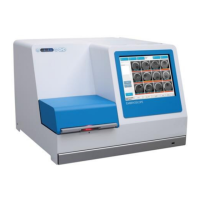
EmbryoScope time-lapse incubator
- 52 -
Response when a warning
alarm is activated
Response when the
problem is solved
Touch screen of the
EmbryoScope time-lapse
incubator
The button corresponding to the
running condition that is currently
in error will be coloured red (e.g.
the CO
2
button in the lower part of
the home screen).
The button that
corresponds to the
running condition that
was previously in error
will be coloured yellow.
When the alarm has been
reset, the button changes
from yellow to grey.
Connected EmbryoViewer
software
The EmbryoViewer software will
display a warning alarm for the
running condition that is currently
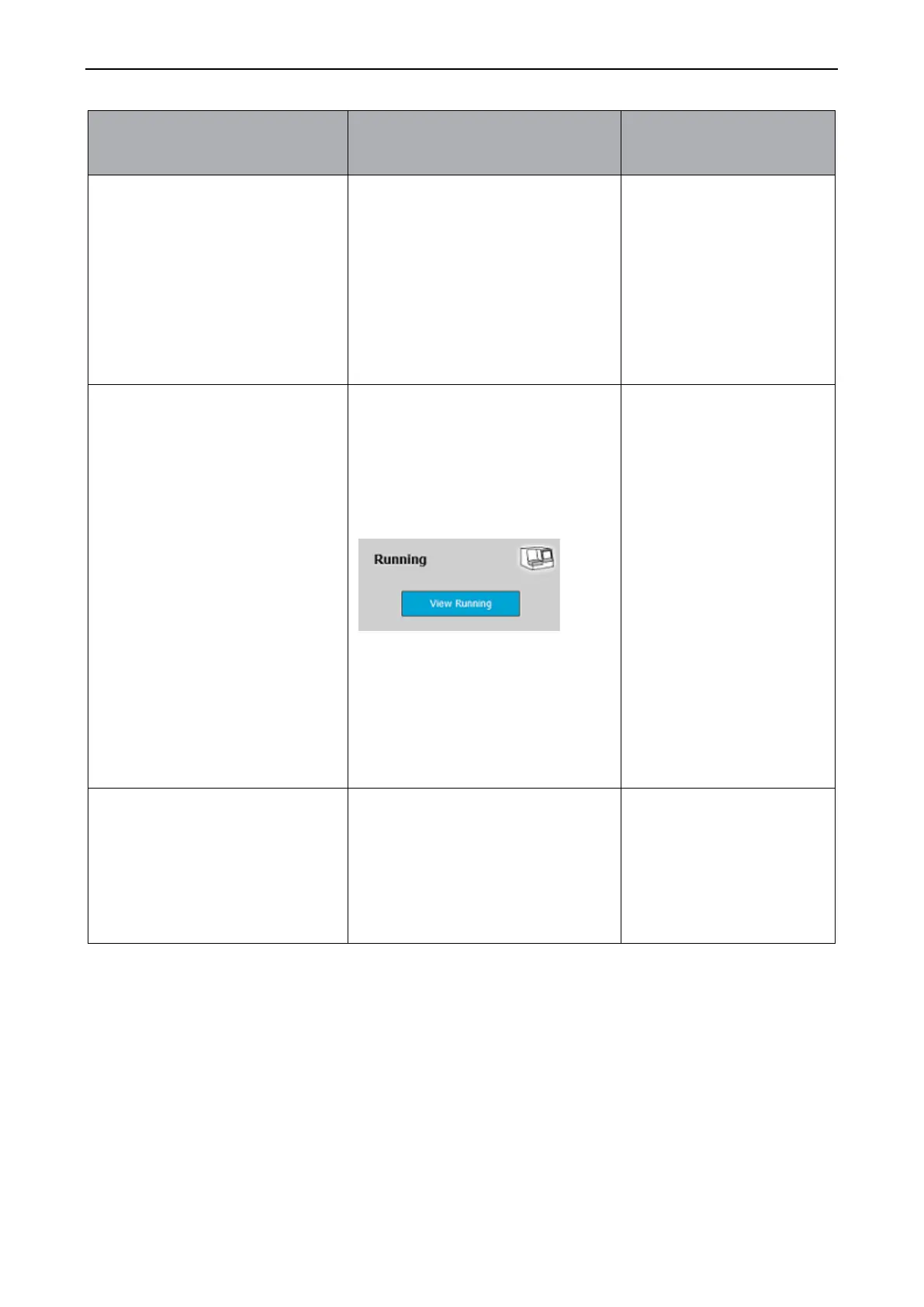
in error by colouring the Running
area of the navigation panel red.
When you press View Running,
you will see which EmbryoScope
time-lapse incubator is in error (in
case more incubators are
connected).
The Running area of the
navigation panel will turn
yellow when the error is
no longer present. When
the warning alarm has
been reset, the Running
area will return to its
normal grey colour.
Activated warning alarms will be
communicated to any external
alarm system that may be
connected to the EmbryoScope
time-lapse incubator (see also
section 9.5).


 To Next Page