— 2 —
Views of Projector Parts
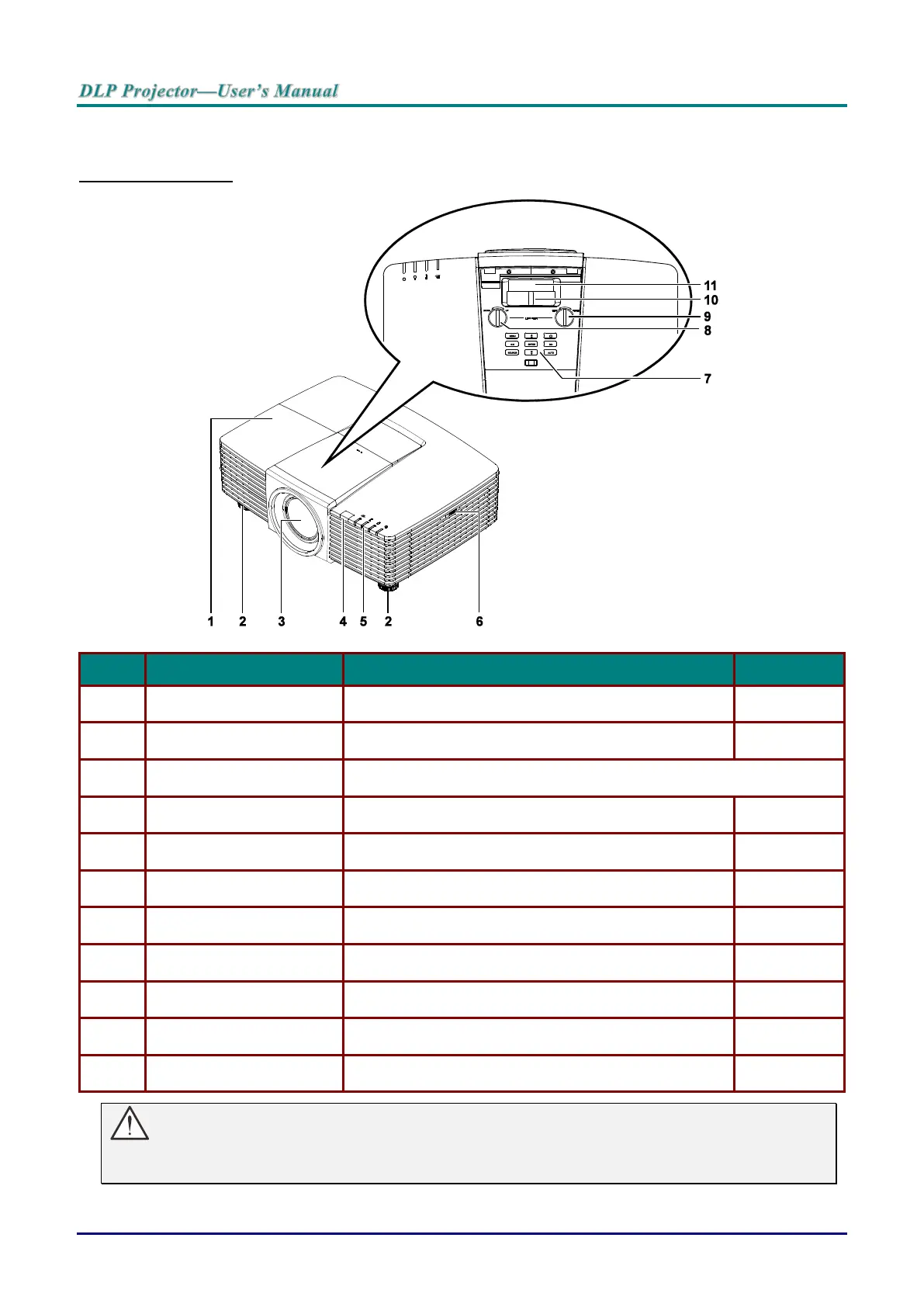
Front-right View
Remove cover to replace lamp.
Rotate adjuster lever to adjust angle position.
Receives IR signal from remote control.
Displays the projector status.
On-Screen Display (OSD) buttons.
Adjusts the image position vertically.
Adjusts the image position horizontally.
Enlarges the projected image.
Focuses the projected image.
Important:
Ventilation openings on the projector allow for good air circulation, which keeps the projector lamp
cool. Do not obstruct any of the ventilation openings.



 To Next Page